A place on the page
Give a heading a name with id, then link to it with a
Long pages such as Wikipedia articles open with a list of contents, and every entry jumps down the page to its part.
A link can go to another page, or to a place on the same page. On a long page, a menu of links at the top lets people jump straight to the part they want.
- Predict: Read the code and say what it will do before you run anything. A wrong guess is fine: it shows you what to look for.
- Run: Run it and compare the result with your prediction.
- Investigate: Trace how each line of code connects to what you see.
- Modify: Change the code on purpose and check the result.
- Make: Build something new using what you have learned. Expect a few tries; that is normal.
Make your prediction first. Help opens once you've locked it in.
Predict
<header>
  <h1>Chess club</h1>
  <nav>
    <ul>
      <li><a href="#results">Results</a></li>
      <li><a href="#join">Join</a></li>
    </ul>
  </nav>
</header>
<main>
  <section>
    <h2>When we meet</h2>
    <p>Wednesdays at lunch in room 4. Bring a board if you have one.</p>
  </section>
  <section>
    <h2 id="results">Results</h2>
    <p>The Owls won the autumn ladder. The Hawks came second.</p>
  </section>
  <section>
    <h2 id="join">Join</h2>
    <p>Come to room 4 on Wednesday and ask for a game.</p>
  </section>
</main>
Read the code. The menu links look like links you know, but their href values are new. Someone clicks Results. What does the page do?
Run
Compare the page with your prediction. Click each link in the menu, then scroll back up. Find the name that appears in both a link and a heading.
| Code | What it does | Why |
|---|---|---|
<h2 id="results"> |
Gives this heading the name results |
id is an attribute, like href. The name marks a place on the page, and changes nothing you can see |
<a href="#results"> |
Jumps to the element named results |
The # means "on this page". Without it, the browser looks for another page called results |
| the same name in both places | Joins the link to its place | The names must match exactly, capitals too. If nothing has that id, the link does nothing |
| each id used once | Keeps every name pointing at one element | A link can only jump to one place, so two elements with one id means it goes to the first |
the links in a <nav> |
Makes the menu for a long page | Part names and a menu go together: <nav> holds the links, each part has an id |
<header>
  <h1>Chess club</h1>
  <nav>
    <ul>
      <li><a href="#results">Results</a></li>
      <li><a href="#join">Join</a></li>
    </ul>
  </nav>
</header>
<main>
  <section>
    <h2>When we meet</h2>
    <p>Wednesdays at lunch in room 4. Bring a board if you have one.</p>
  </section>
  <section>
    <h2 id="results">Results</h2>
    <p>The Owls won the autumn ladder. The Hawks came second.</p>
  </section>
  <section>
    <h2 id="join">Join</h2>
    <p>Come to room 4 on Wednesday and ask for a game.</p>
  </section>
</main>
Investigate
Two parts share one name.
<ul>
  <li><a href="#join">Join</a></li>
</ul>
<h2 id="join">Join the club</h2>
<p>Come on Wednesday.</p>
<h2 id="join">Join the chess ladder</h2>
<p>Put your name on the list.</p>
One link in the menu does not jump.
Rules and Join jump down the page, but clicking Results tries to open a different page. Click the line that causes it.
Modify
Give the When we meet heading the id meet. Nothing changes on the page yet.
Need a hint?
id is an attribute, so it goes inside the opening tag of the heading.
Another hint
Write <h2 id="meet"> for the When we meet heading.
Show the expected result
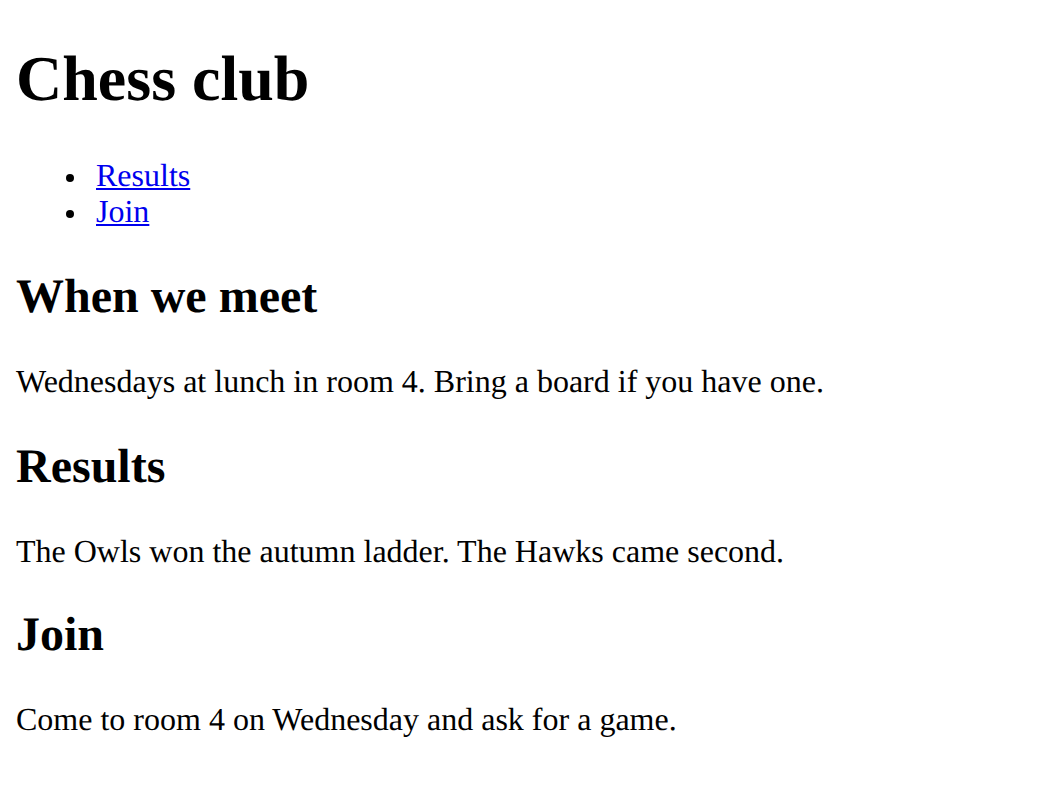
Add a menu item that jumps to meet. Click it to test.
Need a hint?
Copy one of the menu items and change its words to When we meet.
Another hint
The address is the id with a # in front: href="#meet".
Show the expected result
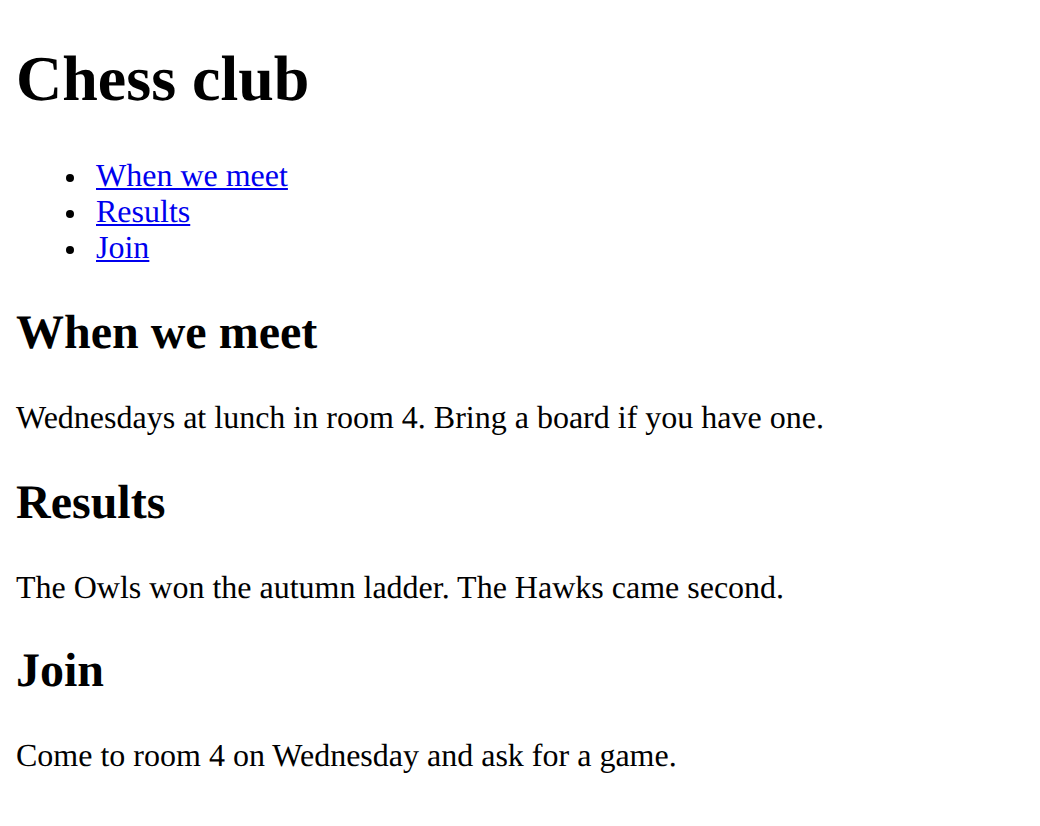
Name the title top, and add a link at the bottom of the page that jumps back to it.
Need a hint?
Give the <h1> the id top, then add a paragraph at the bottom with a link to #top.
Another hint
Write <a href="#top">Back to the top</a> inside a <p>.
Show the expected result
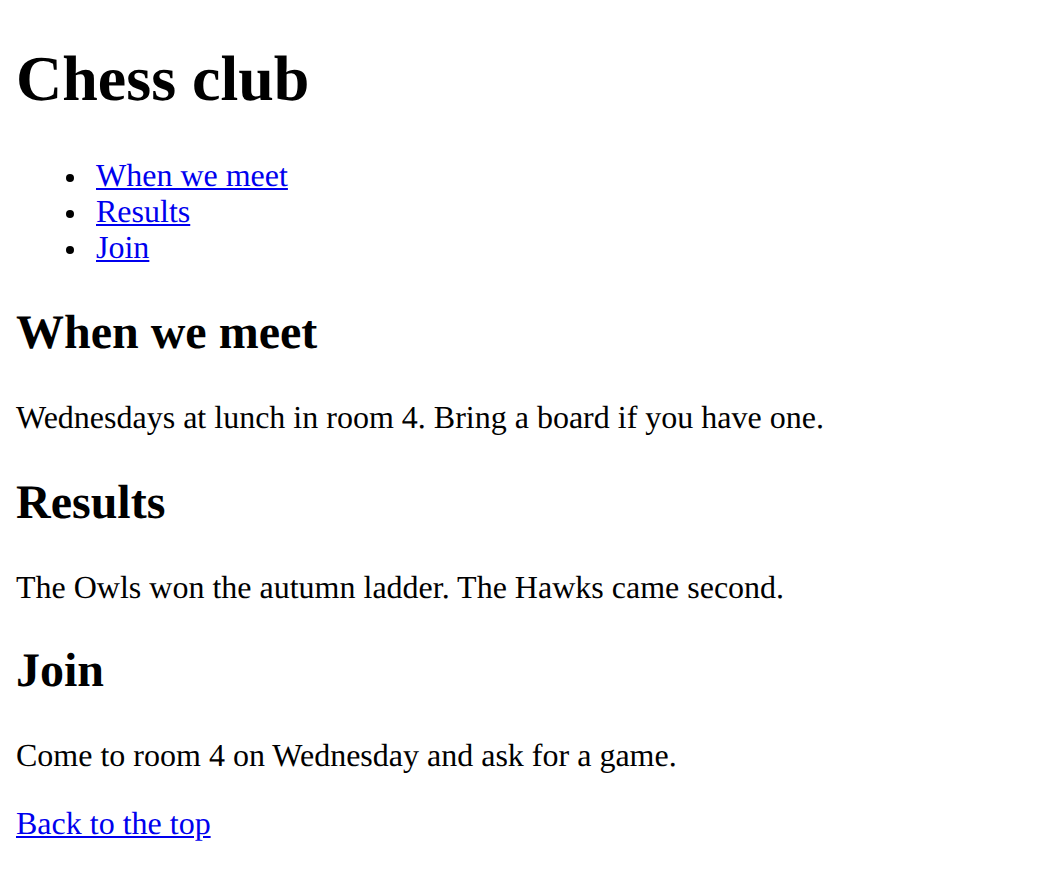
Give the When we meet heading the id meet.
This ticks when your page has all of the above.
Add a menu link to the meet heading.
This ticks when your page has all of the above.
Add a link at the bottom that jumps back to the top.
This ticks when your page has all of the above.
Mix it up
This mixes the last lessons: the parts of a page, and a list of links.
Put the lines in order to make a header with the title and, inside a nav, a list of two links. One line is not needed.
Make
This page has three parts but no menu. Add a <nav> with a list of three links under the title, inside the <header>. Each link jumps to one of the headings: give them the ids rules, results and join.
Need a hint?
Give each heading an id of its own. Then add the <nav> with a list of links under the title.
Another hint
Each link is <a href="#rules">, with the same name as the id, and the # in front.
Another hint
Click each link to test it. A link that does nothing has a name that does not match.
Show the expected result
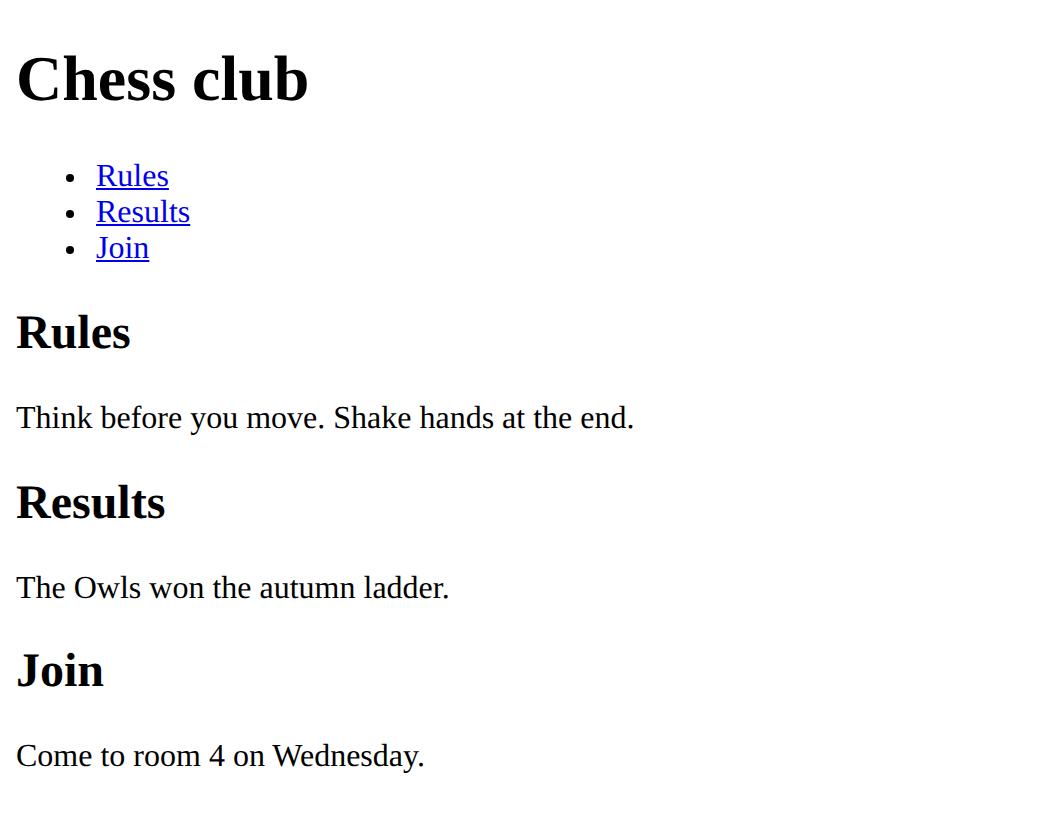
Add a nav in the header with three jump links, and give the three headings the ids rules, results and join.
This ticks when your page has all of the above.
For teachers
Students name a place on a page with id and link to it with href="#name", so a menu can jump to each part of a long page. About 40 minutes.
Open the teacher guide: answers, solutions, slides and a worksheet.
Students will be able to
- I can give a heading a name with id.
- I can link to it with href starting with
- I can explain why each id is used once and why the
Before class
Do the Make task yourself (about 5 minutes).
An id is an attribute that gives one element a name. A link whose href starts with # goes to the element with that name on the same page. The # is the whole difference between "this page" and "another page". Pages need to be long enough to scroll, or the jump is invisible: make the preview small or add a paragraph.
Running the lesson
- Predict: most students pick the first option, but some think the link opens a new page, because every link they have written so far did. Run it and click each link.
- Run: ask which name appears in both a link and a heading. Then try changing id="results" to id="result": the link stops working and nothing says why. Matching names are all the browser has.
- Modify: name a place, link to it, then link back to the top. After each step, click the new link to test it.
- Investigate: the shared id has no visible symptom except the second part never being reached. Ask them to find it by clicking.
- Make: the check needs the six exact fragments. If it does not tick, compare each href with its id letter by letter.
The hard part (on purpose)
Matching the name in the href and the id exactly, and remembering the # in the href only. Have them click every link to test it.
When students get stuck
- Clicking a menu link does nothing. Ask: Is the name in the href exactly the name in the id, with a Fix: Make the two names match letter for letter. Only the href has the
- Clicking a menu link tries to open another page. Ask: Does the href start with Fix: Put a
- The id has a Ask: Where does the Fix: The
Stretch and support
Stretch: Add a fourth part with its own id and menu link, and a link at the bottom of the page that jumps back to the top (give the heading an id).
Support: Give students the Make starter with the ids already added, and ask them only to build the nav and the links.
Where it leads
Next lesson uses id again: a form label points at its box by id, so clicking the label finds the box. Class idea: find a long page (a Wikipedia article) and look at how its contents list jumps down the page.
What each step is for
- Predict: Students read href as an address to another page; committing first shows what the # and the matching id do.
- Run: A matching name in the id and in the href is all that joins the link to its place.
- Investigate: Each id names one element, and a jump link needs both the # and the exact name.
- Modify: A jump needs a name on the place and a link with a # and the same name: add them one at a time.
- Mix it up: The menu of links goes in a nav, and the nav is part of the header.
- Give a heading a name with id.
- Link to it with href starting with
- Explain why each id is used once and why the