Challenge: a club page
Build a whole club page in three milestones, from a coloured header and menu to sections, a results table and a sign-up form, then make it your own.
This is how real websites start: a header with a menu, sections, a table and a form, each a part you already know how to make.
Build a whole page for a school club, one milestone at a time. Everything you need, you have met before. There is no layout yet: the page runs down the screen in order, and colour does the work. Check the page after every change.
- Investigate: Trace how each line of code connects to what you see.
- Modify: Change the code on purpose and check the result.
- Make: Build something new using what you have learned. Expect a few tries; that is normal.
Make your prediction first. Help opens once you've locked it in.
Plan the page
The picture shows the page you will build.
<style>
  header {
    background-color: lightblue;
  }
  h1 {
    color: navy;
  }
  a {
    color: darkblue;
  }
  h2 {
    color: darkblue;
  }
  .winner {
    background-color: gold;
  }
  footer {
    background-color: lightblue;
    text-align: center;
  }
</style>
<header>
  <h1>Chess club</h1>
  <nav>
    <ul>
      <li><a href="#about">About</a></li>
      <li><a href="#results">Results</a></li>
      <li><a href="#join">Join</a></li>
    </ul>
  </nav>
</header>
<main>
  <section id="about">
    <h2>About the club</h2>
    <p>We play chess every Wednesday at lunch in the library. All levels welcome.</p>
    <p>Bring:</p>
    <ul>
      <li>a friend</li>
      <li>a snack</li>
      <li>your best opening</li>
    </ul>
    <img src="trophy.svg" alt="A gold trophy" width="100">
  </section>
  <section id="results">
    <h2>Results this term</h2>
    <table>
      <tr><th>Player</th><th>Wins</th></tr>
      <tr class="winner"><td>Ada</td><td>5</td></tr>
      <tr class="winner"><td>Sam</td><td>5</td></tr>
      <tr><td>Priya</td><td>3</td></tr>
    </table>
  </section>
  <section id="join">
    <h2>Join the club</h2>
    <form>
      <p><label for="name">Name</label>
      <input id="name" type="text"></p>
      <p><label for="group">Group</label>
      <select id="group">
        <option>Beginners</option>
        <option>Players</option>
        <option>Champions</option>
      </select></p>
      <button>Join</button>
    </form>
  </section>
</main>
<footer>
  <p>Contact: chess@example.com</p>
</footer>
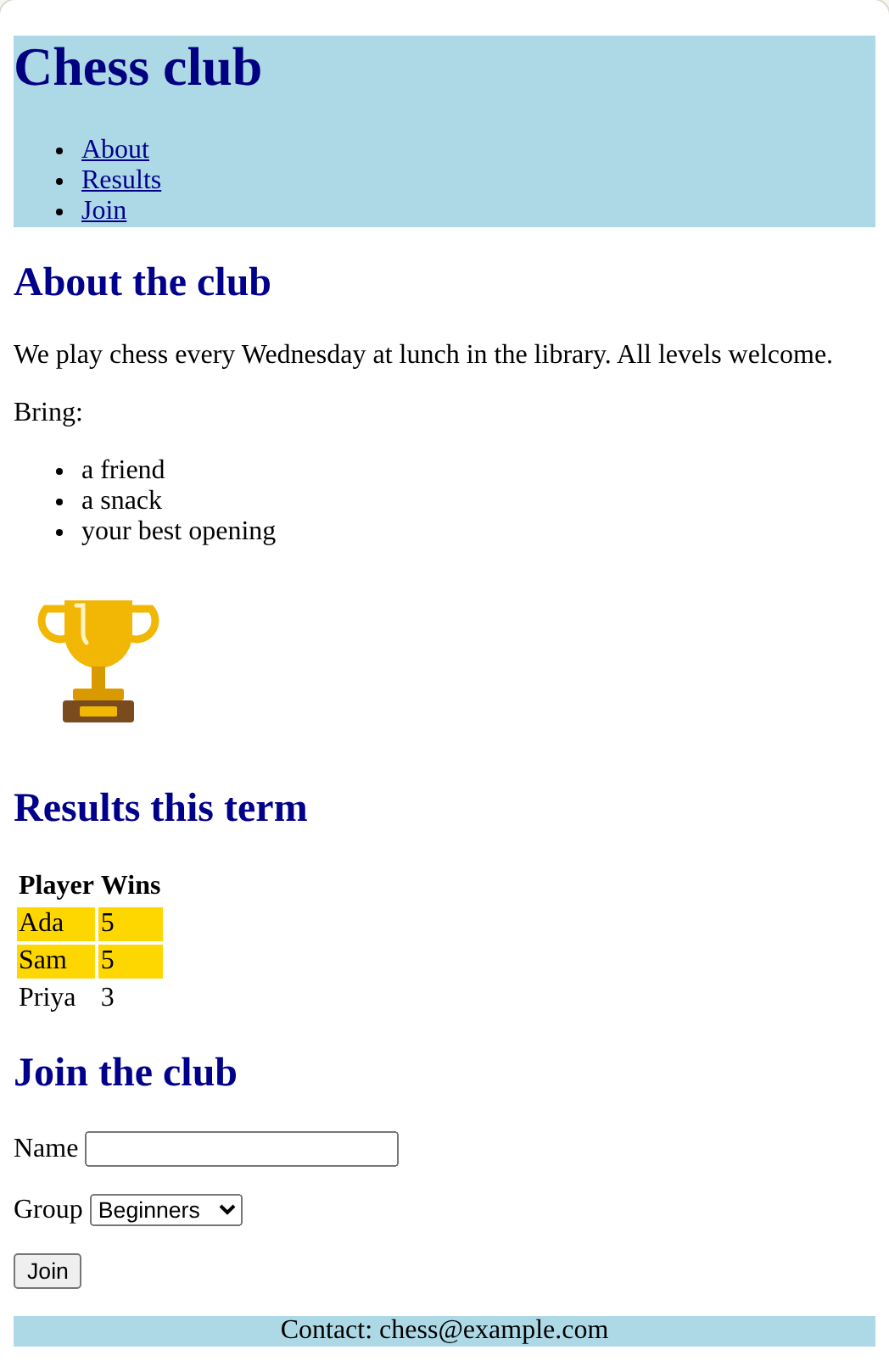
Which tag or rule makes each part?
Which tool colours only the winners?
Match each part of the finished page with how it is built.
Build the page
The page starts with a header and a menu. Colour it with three tag rules. Type these into the <style> block:
<style>
  header {
    background-color: lightblue;
  }
  h1 {
    color: navy;
  }
  a {
    color: darkblue;
  }
</style>
Need a hint?
Each rule has a tag, braces, a property, a colon and a semicolon.
Another hint
Type the header, h1 and a rules inside the <style> block, exactly as the lesson shows them.
Show the expected result

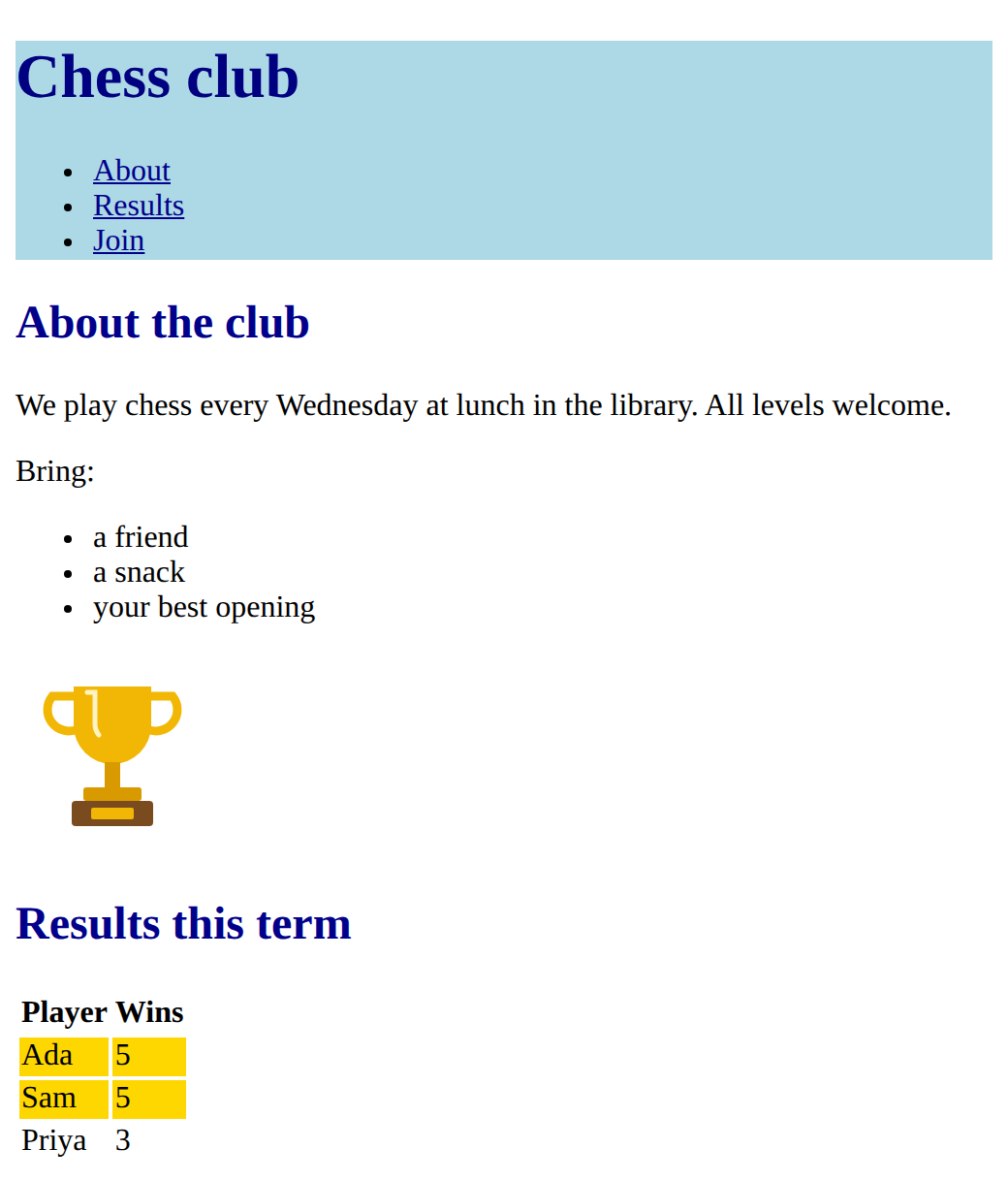
Follow the two comments inside <main>. Build:
- a section with
id="about": an<h2>, a paragraph, a list of three things to bring, and a picture with alt text; - a section with
id="results": an<h2>and a table with a heading row and three players; - the two winners marked with
class="winner"and coloured by one.winnerrule.
Menu links jump to a section when their href matches its id: click About and Results to check.
Need a hint?
Follow the outline in the comments: each comment becomes one section.
Another hint
<section id="about"> starts the first one. A table is written one row at a time, with <tr>, <th> and <td>.
Another hint
Winners: <tr class="winner">, then a .winner { background-color: gold; } rule in the style block.
Show the expected result
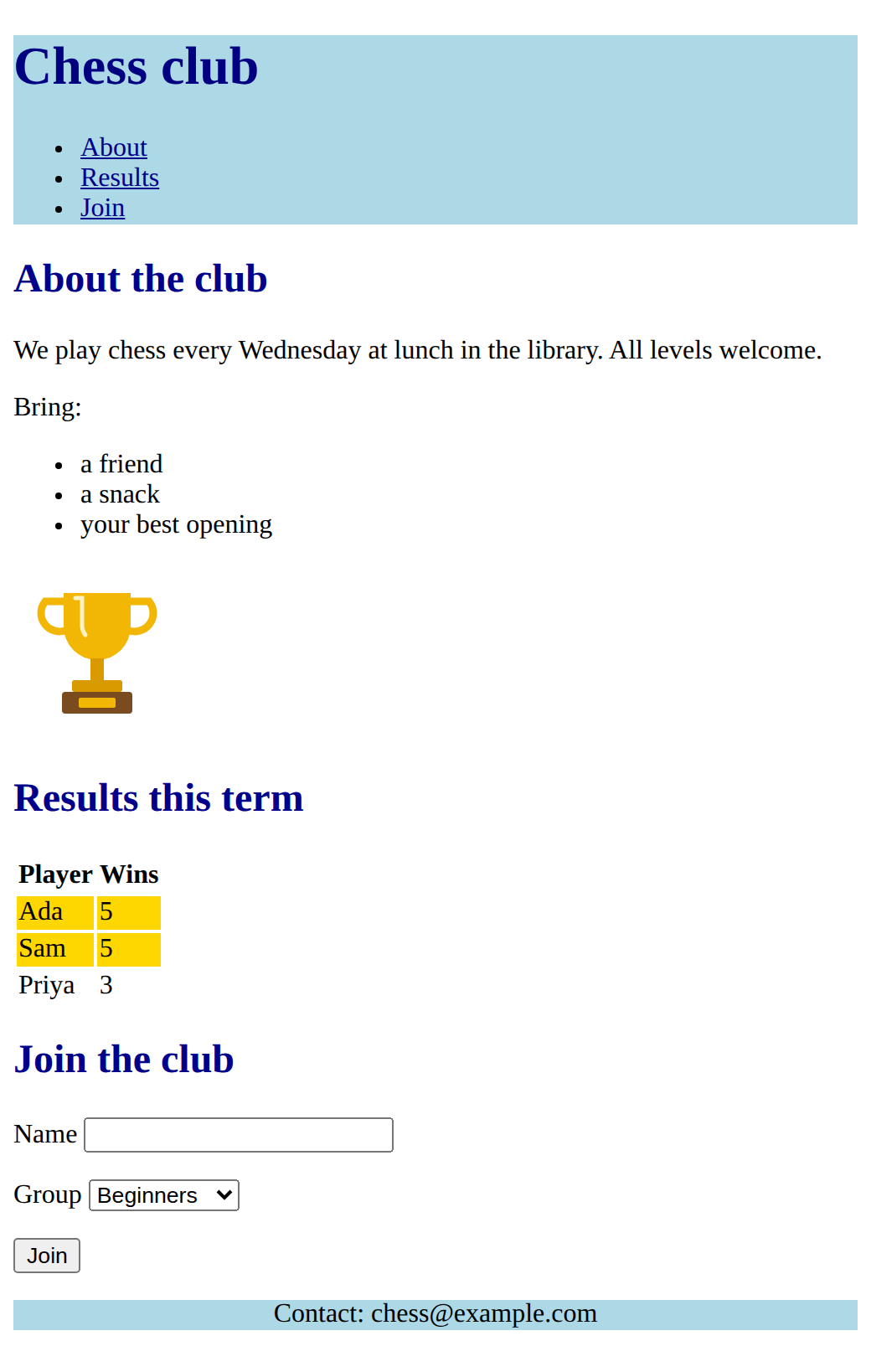
Goals only this time:
- a section with
id="join": an<h2>and a form with at least two labelled fields (one a drop-down) and a button, every label linked to its box; - a footer after
</main>with contact details; - a
footer { }rule to colour it.
Need a hint?
The goals list two parts: the sign-up section and the footer. Do one at a time and check the page after each.
Another hint
A sign-up section is <section id="join"> with an <h2> and a <form>. Each label and its box goes in a <p>.
Another hint
The footer goes after </main>. A footer { } rule colours it.
Show the expected result
Click every menu link and every label. A link that does not jump has an href that does not match an id. A label that does not find its box has a for that does not match its id.
Colour the header, the title and the links with tag rules.
This ticks when your page has all of the above.
Add the About and Results sections, with the winners marked by class.
This ticks when your page has all of the above.
Add a sign-up form with linked labels, and a footer.
This ticks when your page has all of the above.
Make it yours
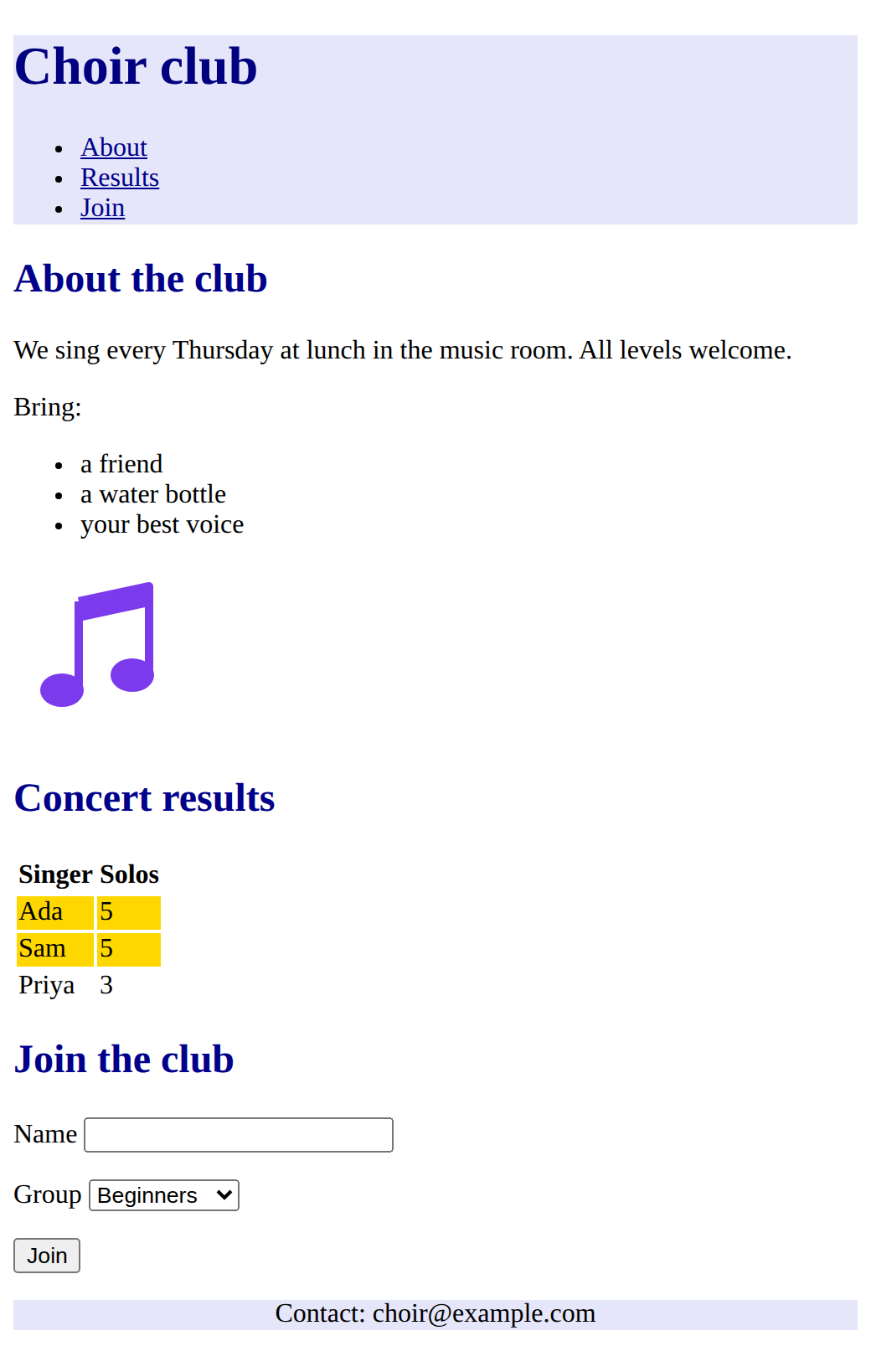
Turn the page into one for a club or event you care about: a new name, your own words, your own colours, and a picture with alt text that fits. Add a rule or two of your own, such as a font-family for the headings. Then click every link and every label again.
Need a hint?
Change one thing at a time: the club name, then the words, then the colours.
Another hint
Pictures you can use: trophy.svg, medal.svg, book.svg, ball.svg, star.svg, music.svg.
Show the expected result
For teachers
Students build a coloured club page in three milestones with fading support (header and menu, sections with a list, picture and results table, then a sign-up form and footer), then make it their own. About 90 minutes.
Open the teacher guide: answers, solutions, slides and a worksheet.
Students will be able to
- I can plan a page as a list of parts.
- I can build a header with a jump-link menu, sections, a results table and a sign-up form.
- I can colour the page with tag rules and pick the winners with a class.
- I can test that every link and label works.
Before class
Read the challenge primer "Running the final challenge", then build milestone 1 yourself and plan milestones 2 and 3 on paper.
There is nothing new in this lesson, and no layout: Course B lays this same page out. Every milestone recalls earlier lessons: tags and nesting, tag rules and colours, lists, links, pictures and alt text, classes, tables, page sections, jump links, and forms. Support fades on purpose: milestone 1 gives the exact rules, milestone 2 an outline in comments, milestone 3 only the goals. Finishing this lesson marks Challenge complete on the course page.
Running the lesson
- Plan the page: match each part to how it is built. Write the parts on the board as a checklist.
- Milestone 1: everyone should finish this in the first lesson. The menu links do nothing yet, because the sections do not exist.
- Milestone 2: the outline is in the comments. Students who are stuck can use **Reset to this task's start** to load a working milestone 1. Now the menu links jump.
- Milestone 3: goals only. Ask students to plan the form's fields before typing. Click every label and every menu link.
- Make it yours: any club or event. Encourage pictures with good alt text and readable colours.
The hard part (on purpose)
Planning a whole page from parts they already know. Have them name the parts first and finish one milestone at a time; resist building it for them.
When students get stuck
- A menu link does not jump. Ask: Does the href, after the Fix: Make each pair match exactly, capitals included, and keep the
- Clicking a label does nothing. Ask: Does the label's for match the box's id? Fix: Make them identical, for example for="name" and id="name".
- Every table row is gold, or no row is. Ask: Does the class go on the row's opening tag, and does the rule start with a dot? Fix: Write <tr class="winner"> for the winners and .winner { } in the style block.
- Part of the page suddenly looks wrong after an edit. Ask: Which closing tag did you add or move last? Fix: Check that every tag closes, in the right order, and that every property ends with a semicolon.
Stretch and support
Stretch: Add a second table, a second list, or a rule that changes the font of the headings with font-family. Then look at the Course B challenge, which lays this page out.
Support: Let students use Reset to this task's start at each milestone, so everyone reaches milestone 3. Pair students for milestone 3: one plans the form, one the footer.
Where it leads
Course B (Layout and components) takes this same page and lays it out: menu in a row, cards, a hero, and a form styled as a card. The finished page is a portfolio piece: students can describe each part and the lesson it came from.
What each step is for
- Plan the page: Seeing the finished page as named parts turns a big task into a list of small ones students have already done.
- Build the page: Three milestones with fading support: the full code, then an outline, then only the goals.
- Plan a page as a list of parts.
- Build a header with a jump-link menu, sections, a results table and a sign-up form.
- Colour the page with tag rules and pick the winners with a class.
- Test that every link and label works.