A hero and a row of cards
Build a card once with a class, copy its HTML for every card you need, and let one set of rules style them all.
A shop shows hundreds of products in the same card: one design, written once, and a copy of the HTML for each product.
So far you have written the CSS for a page and then the HTML for it. A component is a chunk of HTML with a class, written once and copied for every place it is needed. The rules for its class are written once too.
- Predict: Read the code and say what it will do before you run anything. A wrong guess is fine: it shows you what to look for.
- Run: Run it and compare the result with your prediction.
- Investigate: Trace how each line of code connects to what you see.
- Modify: Change the code on purpose and check the result.
- Make: Build something new using what you have learned. Expect a few tries; that is normal.
Make your prediction first. Help opens once you've locked it in.
Predict
<style>
  .hero {
    padding: 24px;
    background-color: lightblue;
  }
  .cards {
    display: flex;
    flex-wrap: wrap;
    gap: 12px;
  }
  .card {
    flex: 1;
    min-width: 150px;
    padding: 16px;
    border: 1px solid gray;
  }
</style>
<section class="hero">
  <h1>Robotics Club</h1>
  <p>Build, code and compete every Tuesday.</p>
  <a href="https://example.com/join">Join us</a>
</section>
<div class="cards">
  <section class="card"><h2>Robots</h2><p>Build and test.</p></section>
  <section class="card"><h2>Coding</h2><p>Make games.</p></section>
  <section class="card"><h2>Design</h2><p>Draw a logo.</p></section>
</div>
Read the code: a hero (a big opening section) and a row of three cards. How much CSS must you write to add a fourth card?
Run
Compare with your prediction. Then copy one whole <section class="card"> line, paste it under the last card and change its words. Next, change gray in the .card rule to navy: every card changes together.
| Code | What it does | Why |
|---|---|---|
<section class="card">…</section> |
One card: a heading and a paragraph | This is the component. It is plain tags with a class, and the words are the only part that differs between copies |
.card { … } |
Styles every element with the class card |
One rule, however many cards. A new copy matches it at once, so adding a card is copying HTML, not writing CSS |
<div class="cards"> |
The box that holds the cards | It has the flex row from the last lesson. flex-wrap: wrap makes room for another card on a new line |
<section class="hero"> |
A big opening section | The hero is a component too, with one copy on the page. Its rule .hero gives it padding and a background |
class="card" and not card1, card2 |
Every copy has the same class | A class names a kind of thing. If each copy had its own class, each would need its own rule |
<style>
  .hero {
    padding: 24px;
    background-color: lightblue;
  }
  .cards {
    display: flex;
    flex-wrap: wrap;
    gap: 12px;
  }
  .card {
    flex: 1;
    min-width: 150px;
    padding: 16px;
    border: 1px solid gray;
  }
</style>
<section class="hero">
  <h1>Robotics Club</h1>
  <p>Build, code and compete every Tuesday.</p>
  <a href="https://example.com/join">Join us</a>
</section>
<div class="cards">
  <section class="card"><h2>Robots</h2><p>Build and test.</p></section>
  <section class="card"><h2>Coding</h2><p>Make games.</p></section>
  <section class="card"><h2>Design</h2><p>Draw a logo.</p></section>
</div>
Investigate
<style>
  .hero {
    padding: 24px;
    background-color: lightblue;
  }
  .cards {
    display: flex;
    flex-wrap: wrap;
    gap: 12px;
  }
  .card {
    flex: 1;
    min-width: 150px;
    padding: 16px;
    border: 1px solid gray;
  }
</style>
<section class="hero">
  <h1>Robotics Club</h1>
  <p>Build, code and compete every Tuesday.</p>
  <a href="https://example.com/join">Join us</a>
</section>
<div class="cards">
  <section class="card"><h2>Robots</h2><p>Build and test.</p></section>
  <section class="card"><h2>Coding</h2><p>Make games.</p></section>
  <section class="card"><h2>Design</h2><p>Draw a logo.</p></section>
</div>
One card is plain.
Mia's cards look right.
One rule, many pages.
The Drones card is plain, while the other two have a border and padding, and there is no error. Click the line that causes it.
Modify
Make the border of every card 2px solid navy by changing the rule once.
Need a hint?
The border is in the .card rule. Change the rule once.
Another hint
Change the border in .card to border: 2px solid navy;.
Show the expected result

Add a third card with the heading Drones by copying one of the others.
Need a hint?
Copy a whole card line and change the words. Do not touch the CSS.
Another hint
Paste it under the last card and make the heading Drones: <h2>Drones</h2>.
Show the expected result
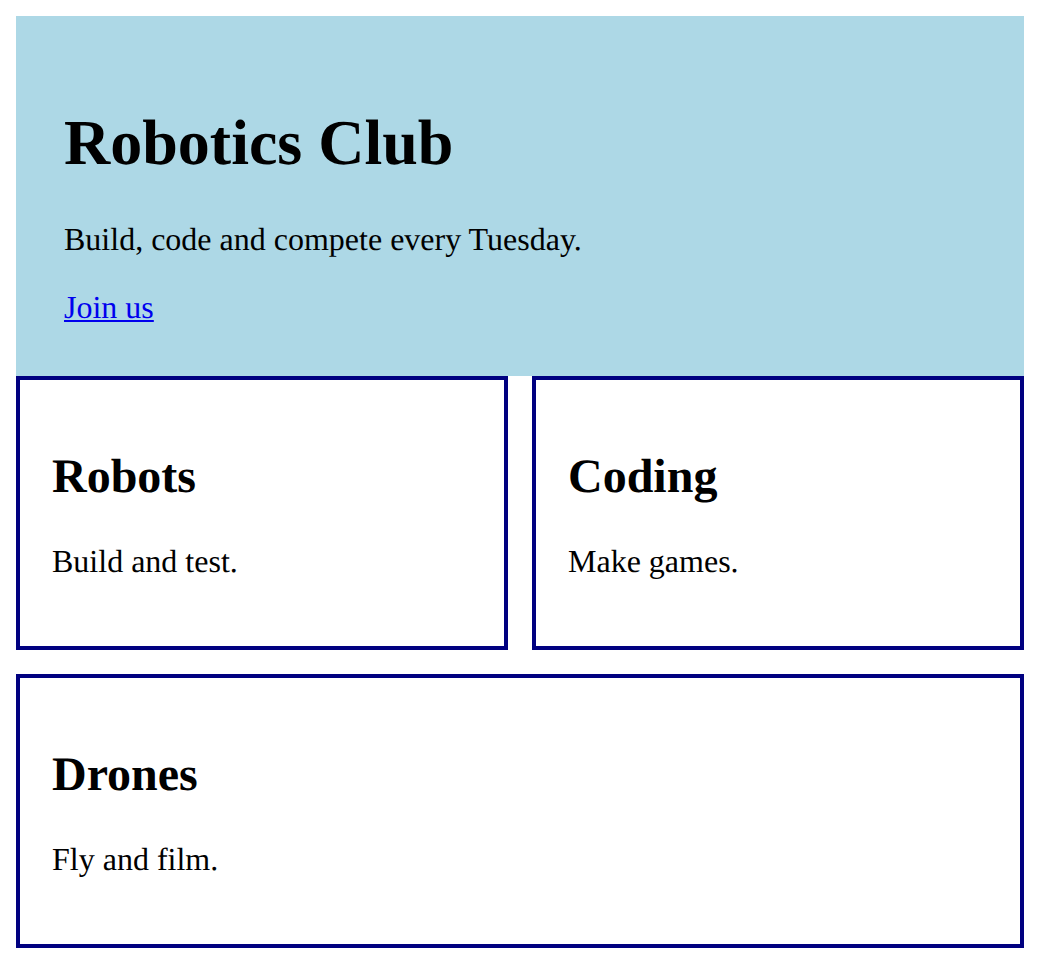
Change the card border to 2px navy in one place.
This ticks when your page has all of the above.
Add a third card, Drones, by copying a card's HTML.
This ticks when your page has all of the above.
Mix it up
Two things are wrong on this page: one card looks different, and the cards are squashed.
<style>
  .cards {
    display: flex;
    gap: 12px;
  }
  .card {
    flex: 1;
    border: 2px solid teal;
    padding: 10px;
  }
</style>
<div class="cards">
  <section class="card"><h2>Robots</h2><p>Build and test robots every Tuesday.</p></section>
  <section class="card"><h2>Coding</h2><p>Write games and run them.</p></section>
  <section><h2>Drones</h2><p>Fly and film on the oval.</p></section>
  <section class="card"><h2>Design</h2><p>Draw a logo for the club.</p></section>
</div>
Need a hint?
Two things are wrong: one card is not marked, and the row cannot wrap.
Another hint
Give the plain <section> the class card, and give the row flex-wrap: wrap; and the cards a min-width.
Show the expected result

Fix the cards so all four look the same, and the row wraps instead of squashing them.
This ticks when your page has all of the above.
Make
Make a hero and three cards for a club or event you know: a big heading with a line and a link, and three cards with a heading and a line each, in a row that wraps. Then add a fourth card by copying one, and write no new CSS.
Need a hint?
Start with the hero: one section with a heading, a line and a link, given a class. Then write the rule for that class.
Another hint
Write one card as <section class="card"> with an h2 and a p, inside a <div class="cards">. Then the .cards rule (a wrapping flex row) and the .card rule.
Another hint
When three cards work, copy one and change its words. A fourth card needs no new CSS.
Show the expected result
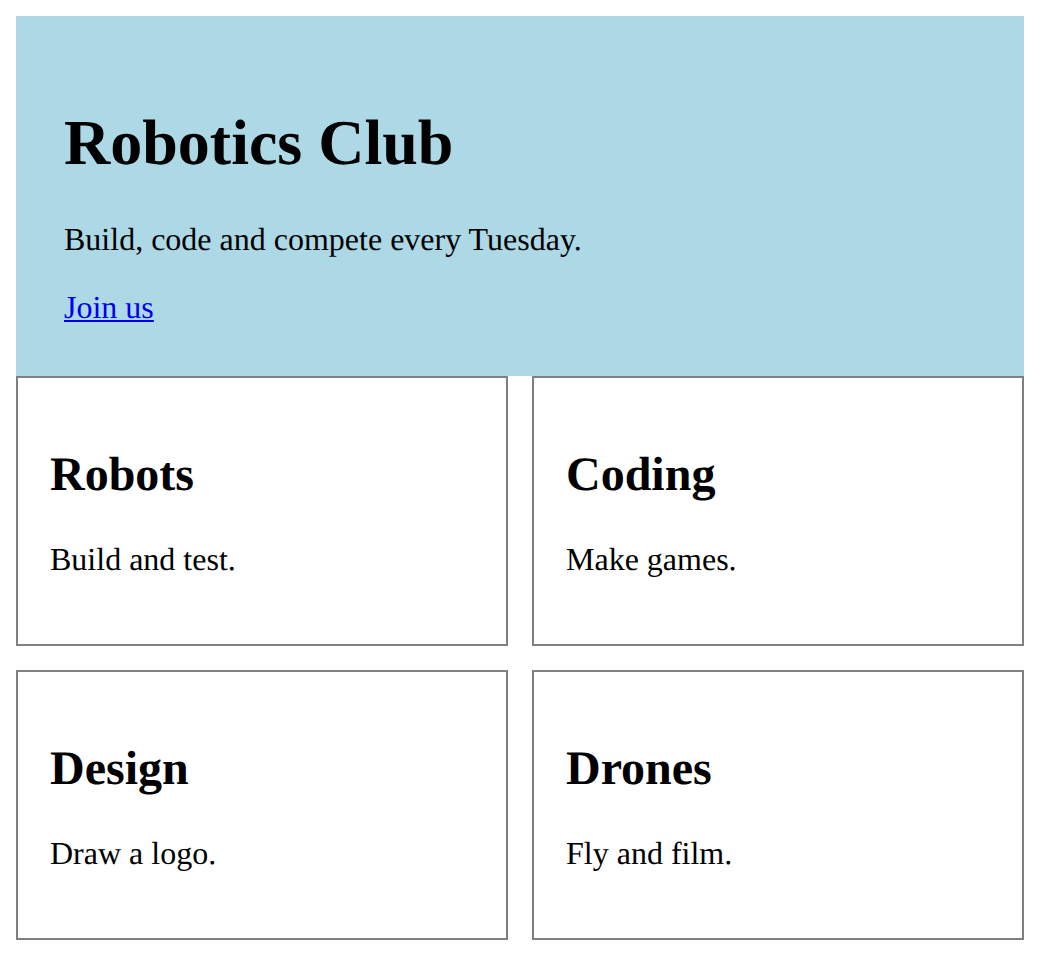
Make a hero and a row of cards, built from a class and rules.
This ticks when your page has all of the above.
For teachers
Students build a hero and a row of cards from classes, copy a card's HTML to add another, and find out that one set of rules styles every copy. About 45 minutes.
Open the teacher guide: answers, solutions, slides and a worksheet.
Students will be able to
- I can build a card from tags and a class, and copy it to make another.
- I can explain why a copied card needs no new CSS.
- I can change every card at once by changing one rule.
Before class
Do the Make task yourself in the playground (about 6 minutes).
A component here means a chunk of HTML with a class that you copy: a card, or a hero (a big opening section). Nothing new is taught: it is the class, box and flex row from earlier lessons, used on purpose. The idea is that one rule styles every copy, so adding a card is copying HTML.
The usual slip is writing a new class and rule for each copy (card1, card2). It works, but every change has to be made in each rule.
Running the lesson
- Predict and Run: ask students to count the lines of CSS they would add. Most say about five. Let them copy a card line and see it styled at once.
- Investigate: the crad typo is silent. Ask what the browser does with a class that no rule matches: it ignores it. The 40-page question shows why the looks live in one place.
- Mix it up: one card is missing its class and the row cannot wrap. Both are earlier lessons.
- Make: let students choose a topic. Check the fourth card was made by copying, with no new rule.
The hard part (on purpose)
Believing each copy needs its own rule. Ask what the new card has in common with the others before they write any CSS.
When students get stuck
- A copied card looks plain. Ask: Does the copy have the same class, spelt the same? Fix: Check class="card" on the copy. A different spelling, such as crad, matches no rule, and the browser shows no error.
- The student has .card1, .card2 and .card3 rules. Ask: How many lines of CSS would a tenth card need? Fix: Give every card the class card, keep one .card rule, and delete the numbered ones.
- The cards stay in one squashed line. Ask: Does the row wrap, and do the cards have a minimum width? Fix: Add flex-wrap wrap to the .cards rule and a min-width to the .card rule.
Stretch and support
Stretch: Add a second component, a footer with a class, and use it on two pages worth of text. Or give the cards a third kind, card featured, that changes only the border colour.
Support: Give students the Run page and ask them only to add two cards by copying, and change one colour in the rule.
Where it leads
Next is the Course B challenge, which lays out the club page using everything so far. Class idea: look at a shop website and point out the parts that are the same component repeated.
What each step is for
- Predict: Students expect each new card to need its own rule; a shared class styles every copy.
- Run: A component is HTML with a class; the rules for the class are written once and style every copy.
- Investigate: Copies share one class and one rule. A copy with a different spelling is not styled, and rules kept in one place can restyle every page.
- Modify: Changing one rule restyles every card, and copying one card adds another with no new CSS.
- Mix it up: Marking an element with the right class and letting a row wrap use two earlier moves together.
- Build a card from tags and a class, and copy it to make another.
- Explain why a copied card needs no new CSS.
- Change every card at once by changing one rule.