robot motor tank
Sets the left and right wheel speeds, from −100 to 100. Same speeds go straight, opposite speeds spin, different speeds curve. The robot keeps going until another motor block.
robot.motorTank(50, 50)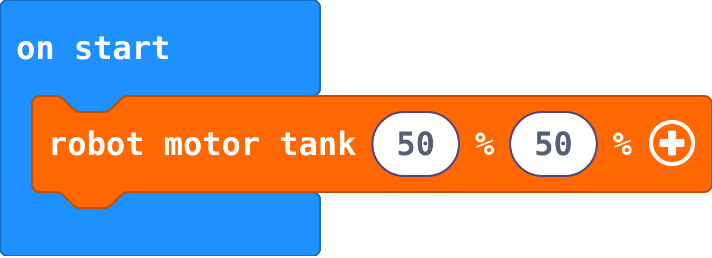
Robotics challenges · Find each block in the MakeCode toolbox (the category is at the end of each line).
Sets the left and right wheel speeds, from −100 to 100. Same speeds go straight, opposite speeds spin, different speeds curve. The robot keeps going until another motor block.
robot.motorTank(50, 50)Sets the robot's lights to a colour. Click the colour to choose another; black turns them off.
robot.setColor(0xff0000)
Runs the blocks inside again and again. Blocks in on start run only once.
basic.forever(function () {
    blocks
})
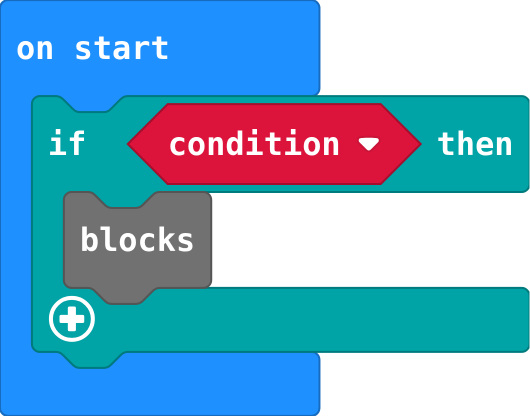
Runs the blocks inside only when the condition is true; does nothing when it is false. Logic.
if (condition) {
    blocks
}
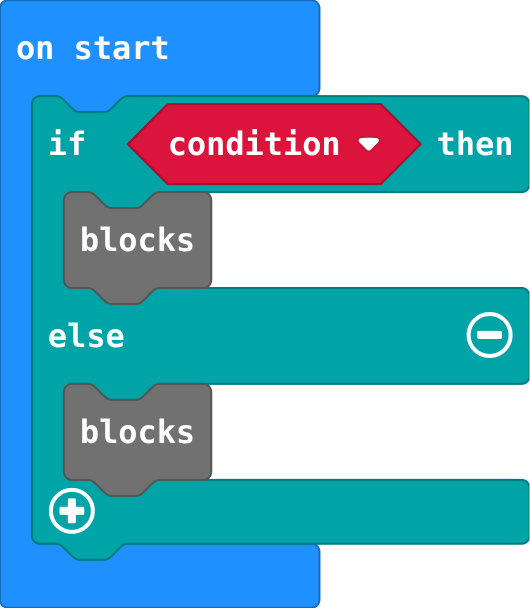
Exactly one part runs: the first when the condition is true, else the second. Click + on an if block.
if (condition) {
    blocks
} else {
    blocks
}
How far away the nearest thing in front is, in centimetres (up to 40; 40 means nothing in range). Read it again in forever to follow it.
robot.obstacleDistance()
True when that line sensor (left or right) is over the dark line. Steer towards the side that still sees it.
robot.detectLine(RobotLineDetector.Left)
Shows a ready-made picture. Basic › show icon; click the picture to choose another.
basic.showIcon(IconNames.Heart)
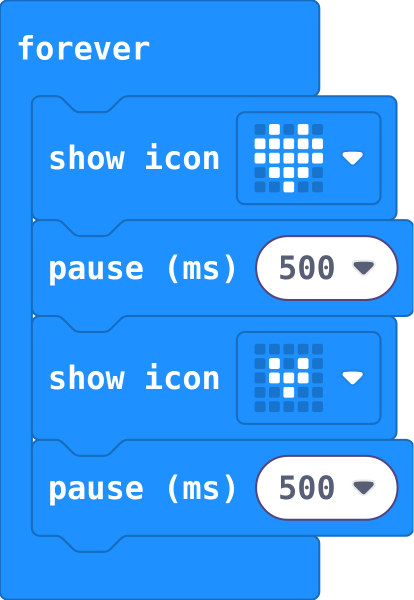
Pictures inside forever repeat, in order. Each pause holds the picture before it.
basic.forever(function () {
    basic.showIcon(IconNames.Heart)
    basic.pause(500)
    basic.showIcon(IconNames.SmallHeart)
    basic.pause(500)
})
Another question, asked only if the ones above were false. The first true one wins.
} else if (condition) {
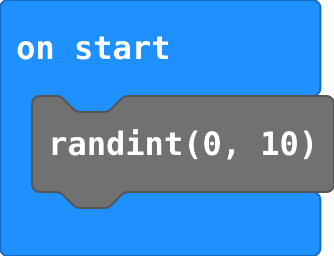
A random whole number from the first to the second, both included. Math.
randint(0, 10)