robot play tone
Plays a note on the robot's buzzer: a frequency (262 is middle C) for a time in milliseconds.
robot.playTone(262, 500)
Robotics challenges · Find each block in the MakeCode toolbox (the category is at the end of each line).
Plays a note on the robot's buzzer: a frequency (262 is middle C) for a time in milliseconds.
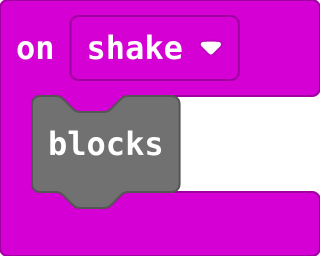
robot.playTone(262, 500)Runs the blocks inside every time the micro:bit is shaken (or tilted, if you choose another gesture). Input.
input.onGesture(Gesture.Shake, function () {
    blocks
})
Runs its blocks when you touch the gold logo on the front of the micro:bit (V2 only; on a V1, use on shake). Input › on logo pressed.
input.onLogoEvent(TouchButtonEvent.Pressed, function () {

})
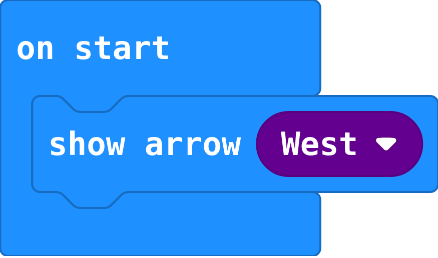
Shows an arrow pointing a direction. Basic › more › show arrow.
basic.showArrow(ArrowNames.West)