Robot blocks reference
The blocks Robotics challenges adds to micro:bit Foundations: the robot's motors, sensors, lights and sound, plus music and the logo. Robot blocks are in the Robot drawer once the robot extension is added. For buttons, variables, decisions, functions and radio, see the micro:bit blocks reference.
Print a cheat sheet (the whole course or one unit, with a picture of each block)
Drive
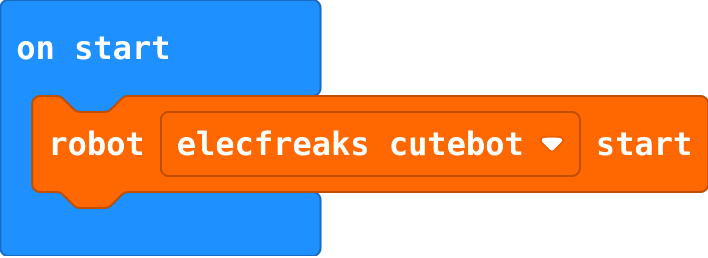
robot.elecfreaksCuteBot.start()
Picks which robot you have. Put it first, in on start, before any other robot block. Robot › robot … start.
id: robot-start
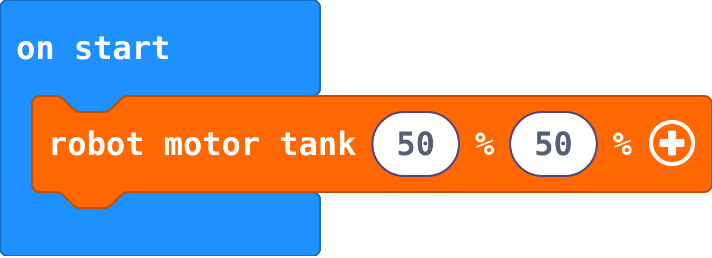
robot.motorTank(50, 50)
Sets the left and right wheel speeds, from −100 to 100. Same speeds go straight, opposite speeds spin, different speeds curve. The robot keeps going until another motor block.
id: robot-motor-tank
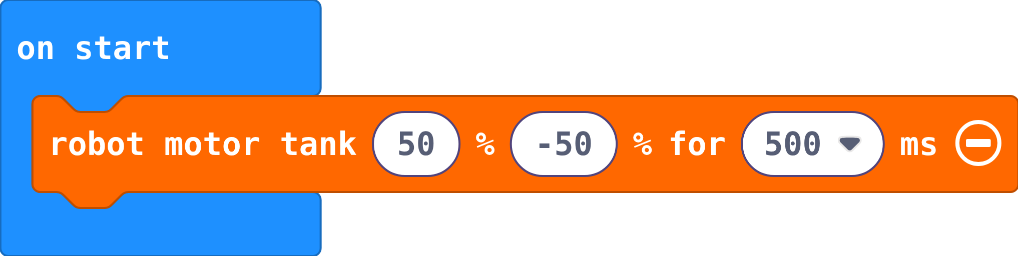
robot.motorTank(50, -50, 500)
The same, then waits that many milliseconds before the next block. Click + on the block to add the time. It does not stop the motors: follow it with robot motor stop.
id: robot-motor-tank-for-a-time
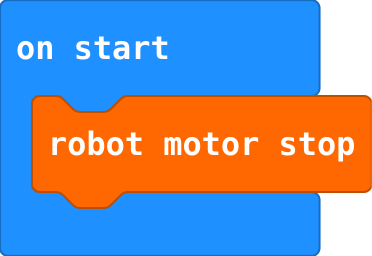
robot.motorStop()
Stops both wheels. End every move and every program that should finish with it.
id: robot-motor-stop
robot.setMotorDrift(10)
Corrects a real robot that pulls to one side when driving straight. Try small numbers, plus or minus.

id: robot-set-motor-drift
Sense
robot.obstacleDistance()
How far away the nearest thing in front is, in centimetres (up to 40; 40 means nothing in range). Read it again in forever to follow it.

id: robot-obstacle-distance
robot.detectLine(RobotLineDetector.Left)
True when that line sensor (left or right) is over the dark line. Steer towards the side that still sees it.

id: robot-detect-line
Lights and sound
robot.setColor(0xff0000)
Sets the robot's lights to a colour. Click the colour to choose another; black turns them off.

id: robot-set-color
robot.playTone(262, 500)
Plays a note on the robot's buzzer: a frequency (262 is middle C) for a time in milliseconds.

id: robot-play-tone
music.play(music.stringPlayable("C D E F G A B C5", 120), music.PlaybackMode.UntilDone)
Plays notes on the micro:bit: a letter for each note, - for a rest, at a speed in beats per minute. Until done waits for the tune to end; in background moves on at once. Music › play melody.

id: play-melody
music.play(music.tonePlayable(262, music.beat(BeatFraction.Whole)), music.PlaybackMode.InBackground)
Plays one note on the micro:bit for a number of beats. In background, so the program carries on. Music › play tone.

id: play-tone
More events
input.onLogoEvent(TouchButtonEvent.Pressed, function () {

})
Runs its blocks when you touch the gold logo on the front of the micro:bit (V2 only; on a V1, use on shake). Input › on logo pressed.

id: on-logo-pressed