robot start
Picks which robot you have. Put it first, in on start, before any other robot block. Robot › robot … start.
robot.elecfreaksCuteBot.start()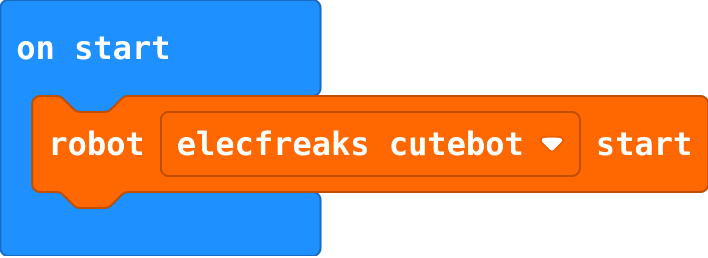
Robotics challenges · Find each block in the MakeCode toolbox (the category is at the end of each line).
Picks which robot you have. Put it first, in on start, before any other robot block. Robot › robot … start.
robot.elecfreaksCuteBot.start()Stops both wheels. End every move and every program that should finish with it.
robot.motorStop()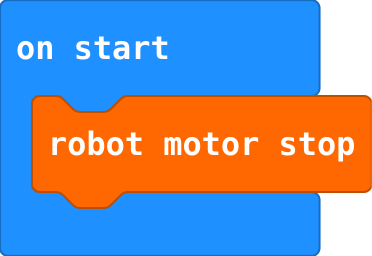
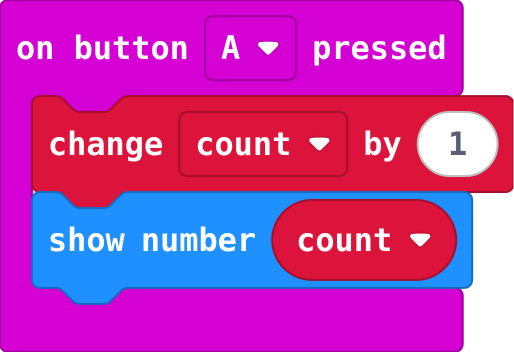
Set the start value once, in on start. change adds to whatever the variable holds now.
let count = 0
input.onButtonPressed(Button.A, function () {
    count += 1
    basic.showNumber(count)
})
The same, then waits that many milliseconds before the next block. Click + on the block to add the time. It does not stop the motors: follow it with robot motor stop.
robot.motorTank(50, -50, 500)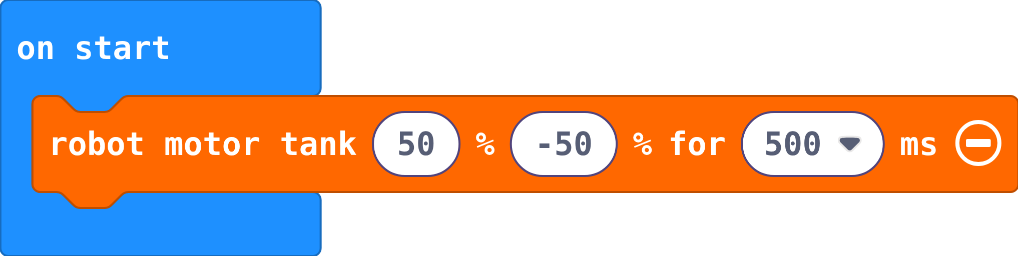
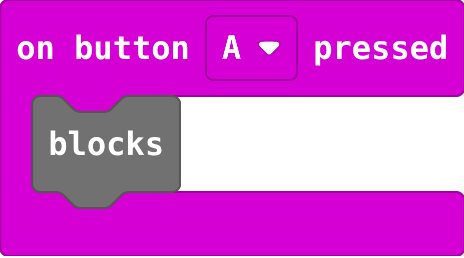
Runs the blocks inside every time the button is pressed. Choose A, B or A+B. Input.
input.onButtonPressed(Button.A, function () {
    blocks
})
A named job. Making it does not run it: a call block runs it. Advanced › Functions.
function name () {
    blocks
}