← Teacher guide

Arcade advanced skills: cheat sheet

Arcade advanced skills · Find each block in the MakeCode toolbox (the category is at the end of each line).

Many sprites

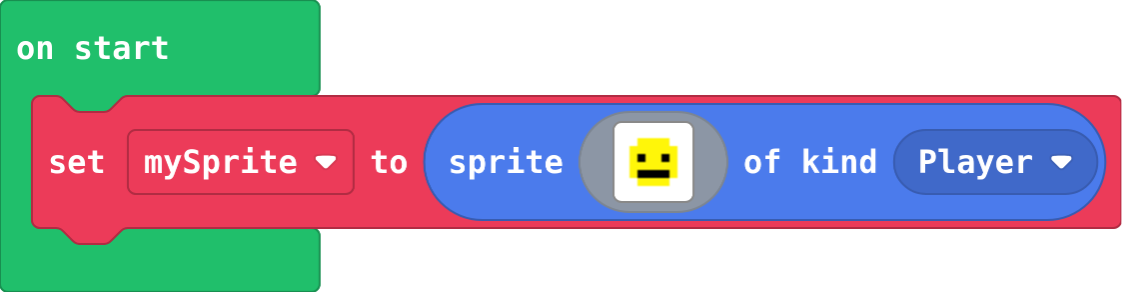
create sprite

Makes a sprite: a picture the game can move and test. Sprites; click the picture to draw your own. The kind says what it is.

let mySprite = sprites.create(img`
    . . . . . . . .
    . . 5 5 5 5 . .
    . 5 5 5 5 5 5 .
    . 5 f 5 5 f 5 .
    . 5 5 5 5 5 5 .
    . 5 f f f f 5 .
    . . 5 5 5 5 . .
    . . . . . . . .
    `, SpriteKind.Player)
The block

set x

Sets one part of the position. y counts down from the top. Sprites; choose x or y in the dropdown.

mySprite.x = 80
The block

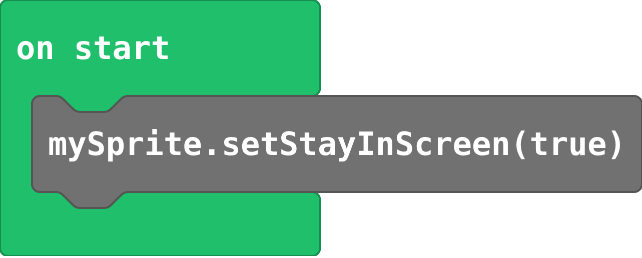
stay in screen

Stops a sprite going off the edge. Sprites › set stay in screen.

mySprite.setStayInScreen(true)
The block

bounce on wall

The sprite bounces back at the edge of the screen. Sprites › set bounce on wall.

mySprite.setBounceOnWall(true)
The block

on overlap

Runs when a sprite of the first kind touches a sprite of the second kind. sprite is the first, otherSprite the second. Sprites › Overlaps.

sprites.onOverlap(SpriteKind.Player, SpriteKind.Food, function (sprite, otherSprite) {
    blocks
})
The block

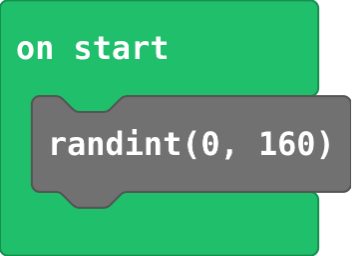
pick random

A whole number chosen at random, from the first number to the second. Math.

randint(0, 160)
The block

set life

Shows hearts for lives. At zero lives the game ends by itself. Info.

info.setLife(3)
The block

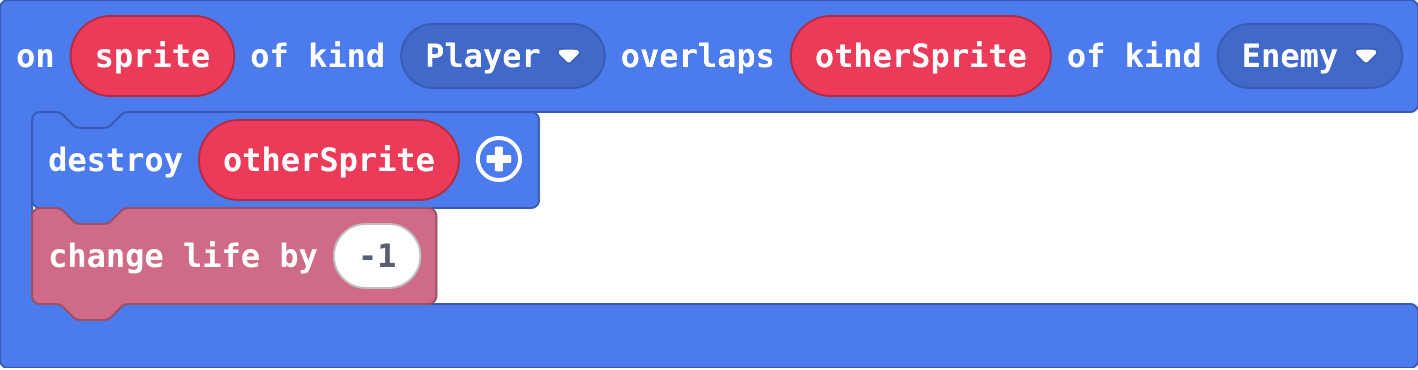
hit costs a life

A hit destroys what hit you and costs a life, so one touch counts once. At 0 lives the game ends by itself.

sprites.onOverlap(SpriteKind.Player, SpriteKind.Enemy, function (sprite, otherSprite) {
    otherSprite.destroy()
    info.changeLifeBy(-1)
})
The block

projectile from sprite

Fires a sprite of kind Projectile from another sprite, with a speed across and down. It is destroyed when it leaves the screen. Sprites.

let projectile = sprites.createProjectileFromSprite(img`
    . 2 .
    2 4 2
    . 2 .
    `, mySprite, 0, -100)
The block

function

Names a group of blocks. They run only when you call the function. Functions › Make a Function.

function spawnEnemy () {
    blocks
}
The block

function with a parameter

A parameter is a value the caller hands in, so one function can do the job differently each time. Click + on the function block.

function spawnEnemy (speed: number) {
    blocks
}
The block

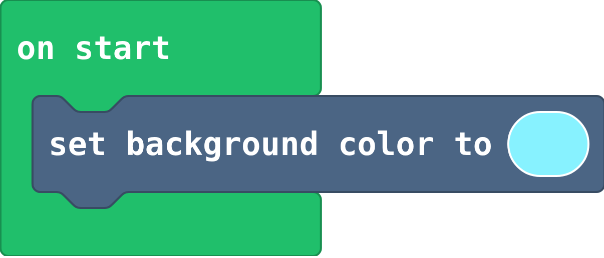
set background color

Fills the screen with one colour. Scene.

scene.setBackgroundColor(9)
The block

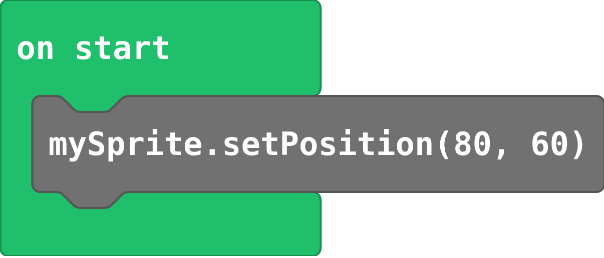
set position

Puts a sprite at x (across, 0 to 160) and y (down, 0 to 120). The middle is 80, 60. Sprites.

mySprite.setPosition(80, 60)
The block

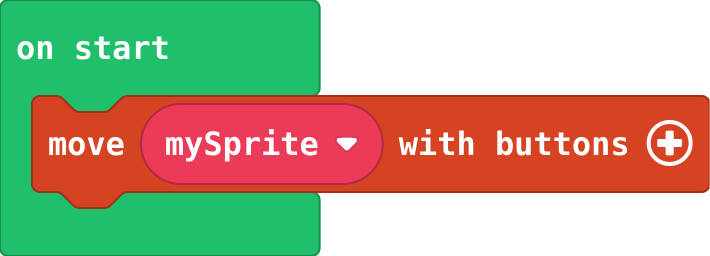
move with buttons

The arrow keys (or WASD) move the sprite. Add two numbers for the speed across and down. Controller.

controller.moveSprite(mySprite)
The block

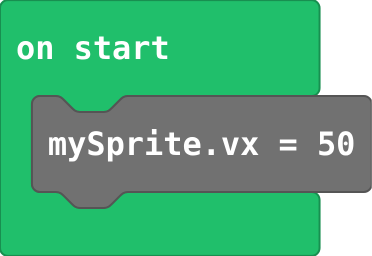
set vx

Speed across: positive moves right, negative moves left. vy is speed down. Sprites; choose vx in the dropdown.

mySprite.vx = 50
The block

on A pressed

Runs its blocks every time A is pressed (space or Z on the keyboard). Controller.

controller.A.onEvent(ControllerButtonEvent.Pressed, function () {
    blocks
})
The block

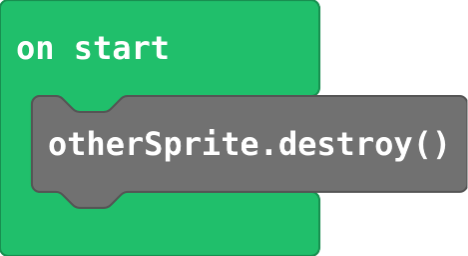
destroy

Removes a sprite from the game. Sprites.

otherSprite.destroy()
The block

change score

Adds to the score. Use a negative number to take away. Info.

info.changeScoreBy(1)
The block

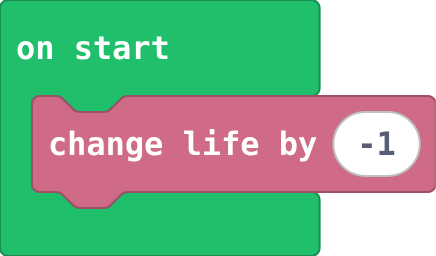
change life

Adds or takes away lives. Info.

info.changeLifeBy(-1)
The block

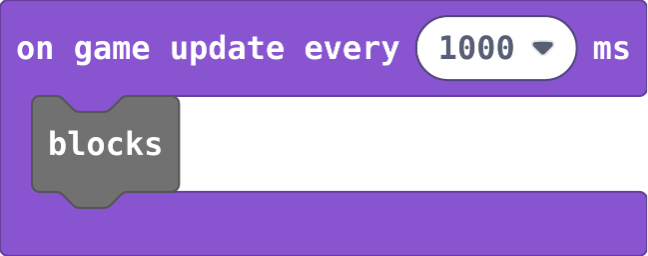
on game update every

A timer: runs its blocks every so many milliseconds (1000 ms is one second). Game.

game.onUpdateInterval(1000, function () {
    blocks
})
The block

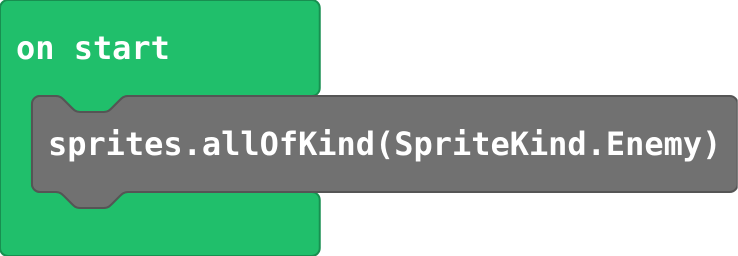
array of sprites of kind

A list of every sprite of a kind in the game right now. Sprites.

sprites.allOfKind(SpriteKind.Enemy)
The block

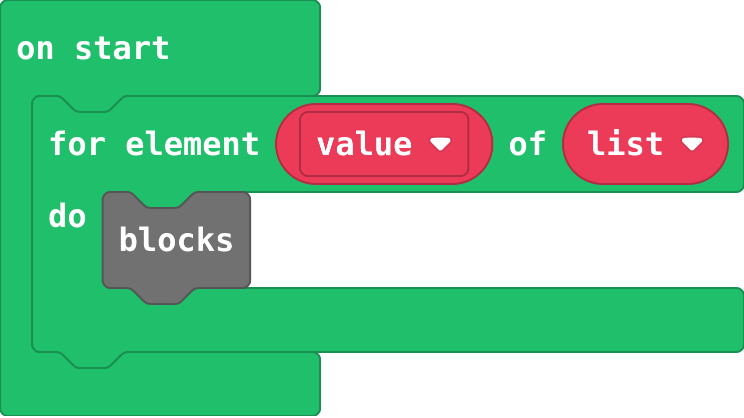
for element of list

Runs its blocks once for each item in the list, with value as that item. Loops.

for (let value of list) {
    blocks
}
The block

jump from ground

The jump goes inside an if that asks whether the player is on the floor, so it only works from the ground.

controller.A.onEvent(ControllerButtonEvent.Pressed, function () {
    if (player.bottom >= 100) {
        player.vy = -150
    }
})
The block

Platforms

on game update

Runs its blocks every frame, about 30 times a second. Put an if here to keep checking something. Game.

game.onUpdate(function () {
    blocks
})
The block

check every frame

An if inside on game update is asked every frame, so it acts the moment its question becomes true.

game.onUpdate(function () {
    if (car.x > 160) {
        car.x = 0
    }
})
The block

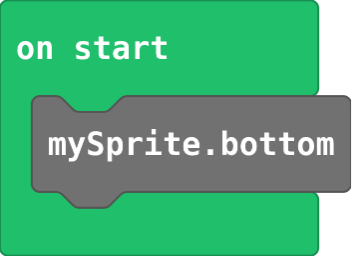
sprite bottom

The y of the bottom edge of a sprite. Sprites; choose bottom in the x dropdown.

mySprite.bottom
The block

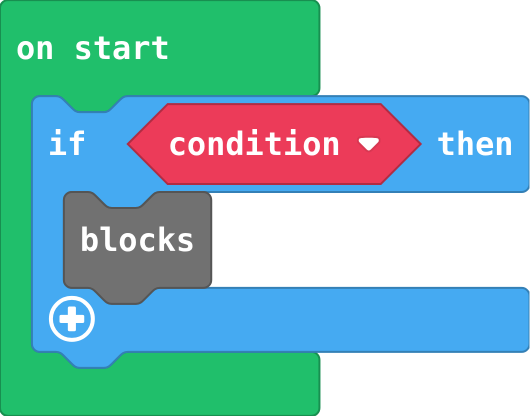
if

Runs the blocks inside only when the condition is true. Logic.

if (condition) {
    blocks
}
The block

set ay

Acceleration down: the sprite falls faster and faster, like gravity. Sprites; choose ay in the dropdown.

mySprite.ay = 300
The block

jump

A jump is a speed upwards (negative vy); gravity slows it and brings the sprite back down.

mySprite.vy = -150
The block

Levels

set velocity

How far the sprite moves every frame, across and down. It keeps moving until something changes it. Sprites.

mySprite.setVelocity(50, 0)
The block

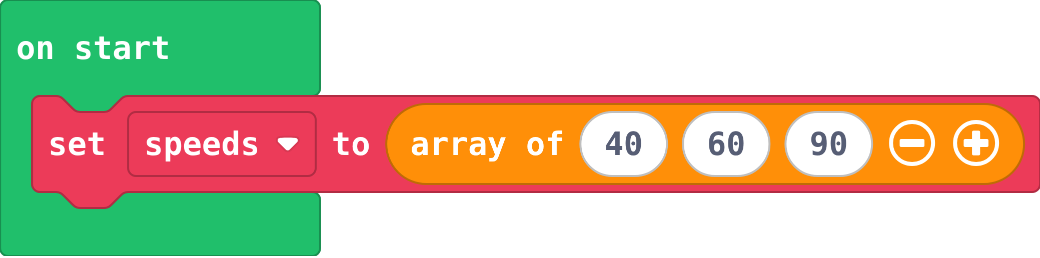
list

Many values in order under one name. Places start at 0. Arrays.

let speeds = [40, 60, 90]
The block

get value at

The item at a place in the list, counted from 0. Arrays.

speeds[0]
The block

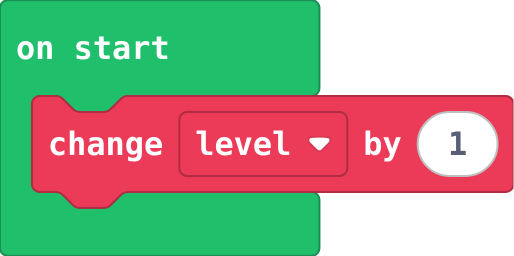
change variable

Adds to a variable. Change by -1 counts down. Variables.

level += 1
The block

level up

Goes in the event where the score changes, not in on game update. goal moves up, so the next level is further away.

if (info.score() >= goal) {
    level += 1
    goal += 5
    game.splash("Level " + level)
}
The block

game over

Ends the game: true is a win, false is a loss. Game.

game.gameOver(false)
The block

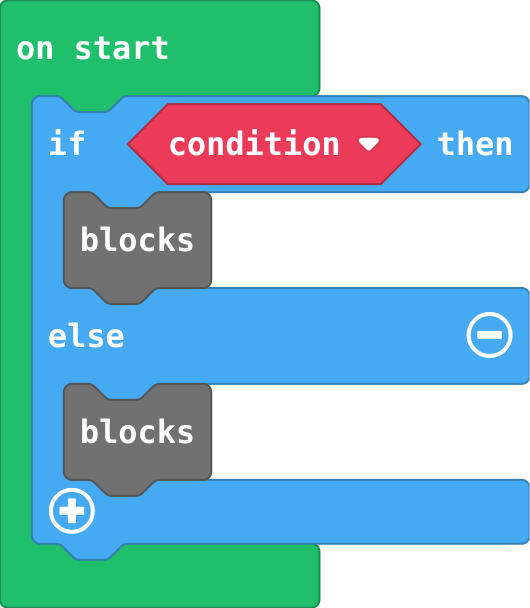
if else

Exactly one part runs: the first when the condition is true, else the second. Click + on an if block.

if (condition) {
    blocks
} else {
    blocks
}
The block

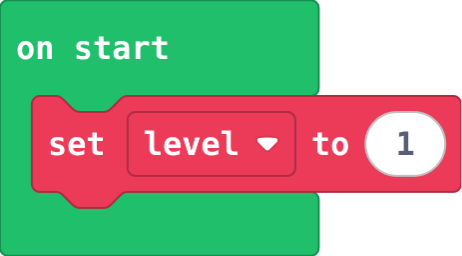
set variable

Puts a value in a variable, throwing the old value away. Make the variable in Variables first.

let level = 1
The block

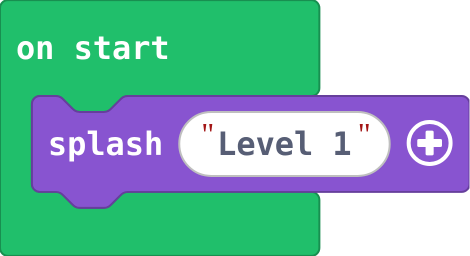
splash

Shows a message and waits for A. Game.

game.splash("Level 1")
The block

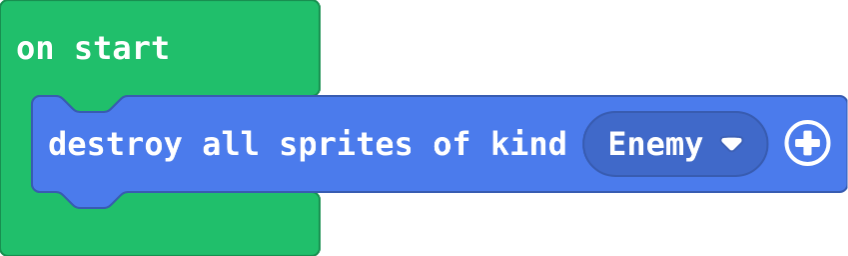
destroy all of kind

Removes every sprite of a kind at once. Sprites.

sprites.destroyAllSpritesOfKind(SpriteKind.Enemy)
The block

Power-ups

follow

The engine steers one sprite towards another at a speed. Sprites.

enemy.follow(mySprite, 40)
The block

count down

Check there is some left first, then use one up, so the count never goes below zero.

if (ammo > 0) {
    blocks
    ammo += -1
}
The block

true or false

A variable can hold true or false, to remember what is happening now. Logic.

let shield = false
The block

Final challenge: Power-ups and your own game

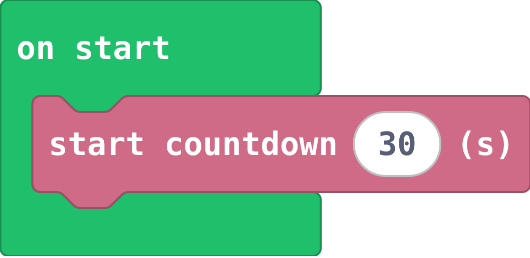
start countdown

A timer in seconds at the top of the screen; the game ends when it reaches 0. Info.

info.startCountdown(30)
The block

auto destroy

The sprite is removed once it leaves the screen, so old ones do not pile up. Sprites › set flag.

rock.setFlag(SpriteFlag.AutoDestroy, true)
The block

else if

Another question, asked only if the ones above were false. The first true one wins.

} else if (condition) {
The block