Arcade blocks reference
The blocks from Arcade Foundations and Arcade advanced skills, each with what it does. Find them in the MakeCode toolbox; the picture shows the block, the code is the same block as MakeCode JavaScript.
Print a cheat sheet (the whole course or one unit, with a picture of each block)
Sprites and movement
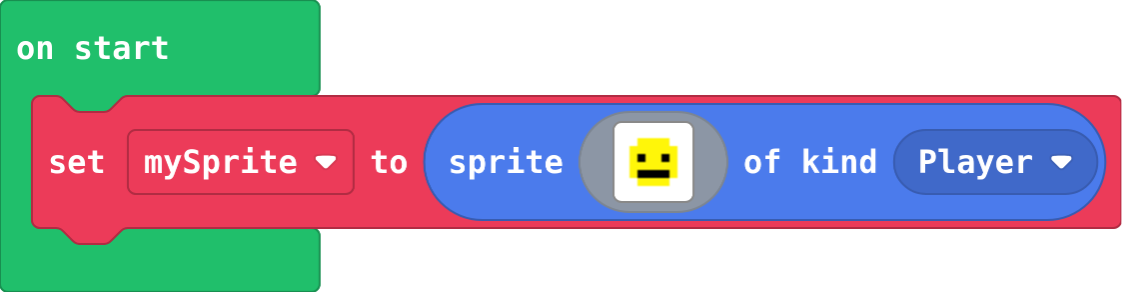
let mySprite = sprites.create(img`
    . . . . . . . .
    . . 5 5 5 5 . .
    . 5 5 5 5 5 5 .
    . 5 f 5 5 f 5 .
    . 5 5 5 5 5 5 .
    . 5 f f f f 5 .
    . . 5 5 5 5 . .
    . . . . . . . .
    `, SpriteKind.Player)
Makes a sprite: a picture the game can move and test. Sprites; click the picture to draw your own. The kind says what it is.
id: create-sprite
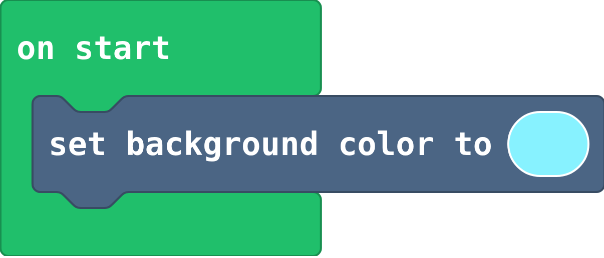
scene.setBackgroundColor(9)
Fills the screen with one colour. Scene.
id: set-background-color
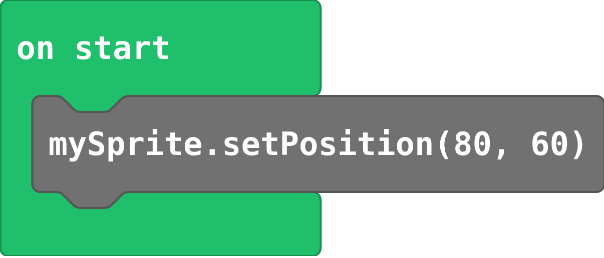
mySprite.setPosition(80, 60)
Puts a sprite at x (across, 0 to 160) and y (down, 0 to 120). The middle is 80, 60. Sprites.
id: set-position
mySprite.x = 80
Sets one part of the position. y counts down from the top. Sprites; choose x or y in the dropdown.

id: set-x
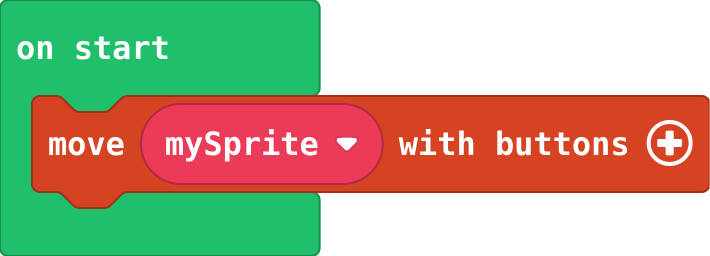
controller.moveSprite(mySprite)
The arrow keys (or WASD) move the sprite. Add two numbers for the speed across and down. Controller.
id: move-with-buttons
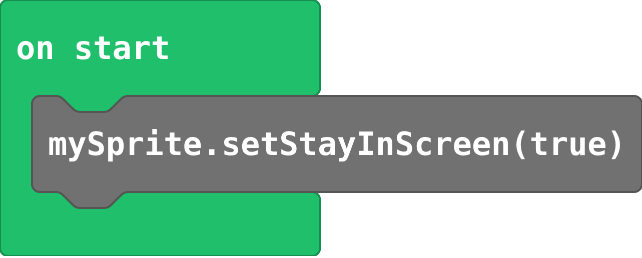
mySprite.setStayInScreen(true)
Stops a sprite going off the edge. Sprites › set stay in screen.
id: stay-in-screen
mySprite.setVelocity(50, 0)
How far the sprite moves every frame, across and down. It keeps moving until something changes it. Sprites.

id: set-velocity
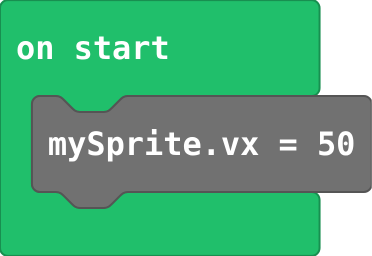
mySprite.vx = 50
Speed across: positive moves right, negative moves left. vy is speed down. Sprites; choose vx in the dropdown.
id: set-vx
mySprite.setBounceOnWall(true)
The sprite bounces back at the edge of the screen. Sprites › set bounce on wall.

id: bounce-on-wall
controller.A.onEvent(ControllerButtonEvent.Pressed, function () {
    blocks
})
Runs its blocks every time A is pressed (space or Z on the keyboard). Controller.

id: on-a-pressed
Collide and score
sprites.onOverlap(SpriteKind.Player, SpriteKind.Food, function (sprite, otherSprite) {
    blocks
})
Runs when a sprite of the first kind touches a sprite of the second kind. sprite is the first, otherSprite the second. Sprites › Overlaps.

id: on-overlap
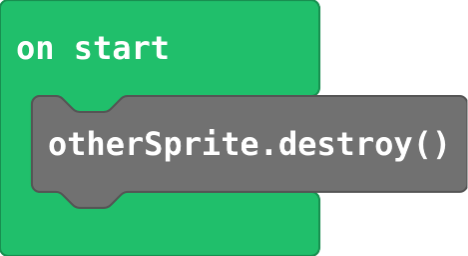
otherSprite.destroy()
Removes a sprite from the game. Sprites.
id: destroy
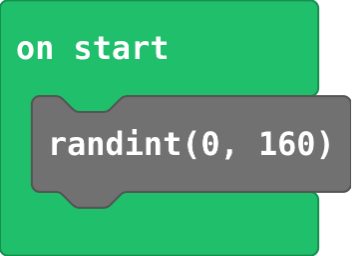
randint(0, 160)
A whole number chosen at random, from the first number to the second. Math.
id: pick-random
info.setScore(0)
Shows a score at the top of the screen. Info.

id: set-score
info.changeScoreBy(1)
Adds to the score. Use a negative number to take away. Info.

id: change-score
info.setLife(3)
Shows hearts for lives. At zero lives the game ends by itself. Info.

id: set-life
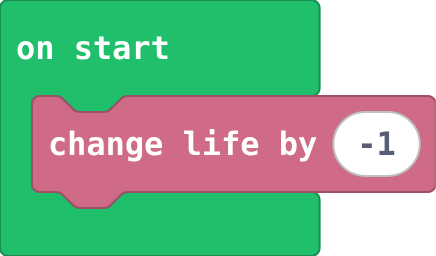
info.changeLifeBy(-1)
Adds or takes away lives. Info.
id: change-life
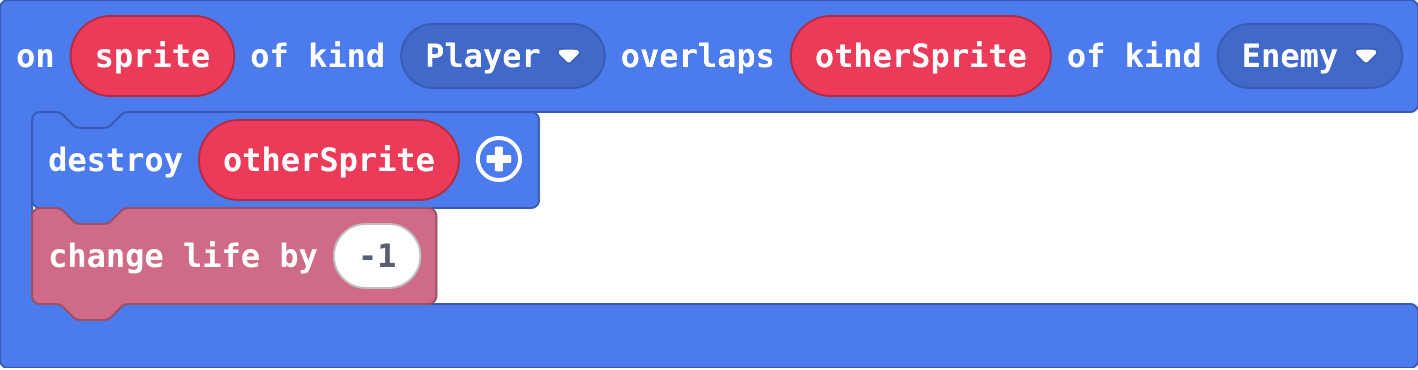
sprites.onOverlap(SpriteKind.Player, SpriteKind.Enemy, function (sprite, otherSprite) {
    otherSprite.destroy()
    info.changeLifeBy(-1)
})
A hit destroys what hit you and costs a life, so one touch counts once. At 0 lives the game ends by itself.
id: hit-costs-a-life
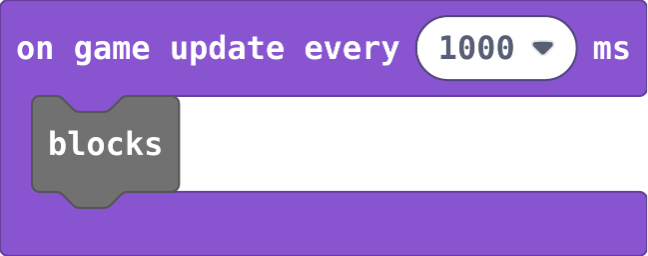
game.onUpdateInterval(1000, function () {
    blocks
})
A timer: runs its blocks every so many milliseconds (1000 ms is one second). Game.
id: on-game-update-every
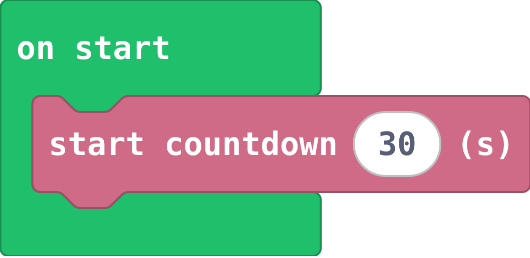
info.startCountdown(30)
A timer in seconds at the top of the screen; the game ends when it reaches 0. Info.
id: start-countdown
game.gameOver(false)
Ends the game: true is a win, false is a loss. Game.

id: game-over
Decide
game.onUpdate(function () {
    blocks
})
Runs its blocks every frame, about 30 times a second. Put an if here to keep checking something. Game.

id: on-game-update
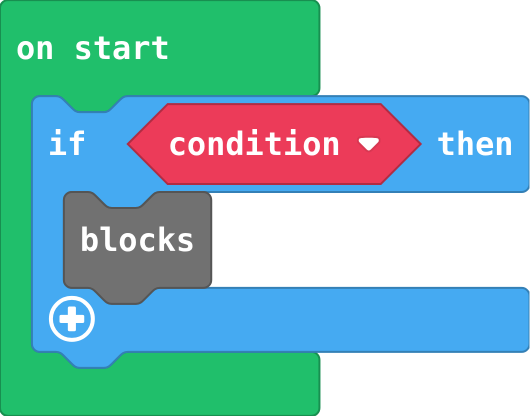
if (condition) {
    blocks
}
Runs the blocks inside only when the condition is true. Logic.
id: if
game.onUpdate(function () {
    if (car.x > 160) {
        car.x = 0
    }
})
An if inside on game update is asked every frame, so it acts the moment its question becomes true.

id: check-every-frame
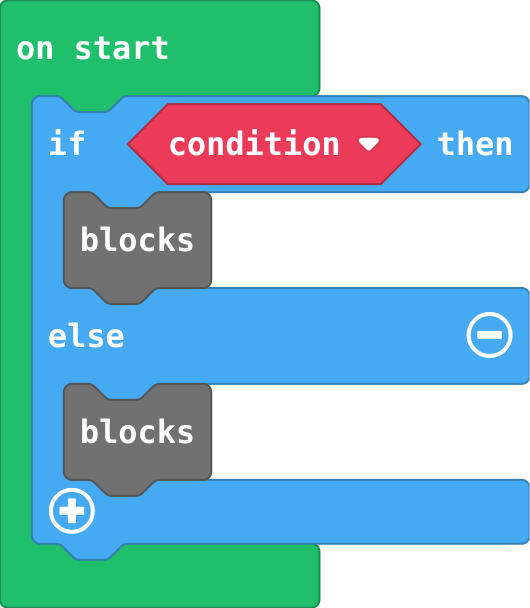
if (condition) {
    blocks
} else {
    blocks
}
Exactly one part runs: the first when the condition is true, else the second. Click + on an if block.
id: if-else
} else if (condition) {
Another question, asked only if the ones above were false. The first true one wins.

id: else-if
mySprite.x > 150
Compares two numbers: true or false. Logic; drag a sprite x block into it from Sprites.

id: compare
enemy.follow(mySprite, 40)
The engine steers one sprite towards another at a speed. Sprites.

id: follow
Collections and tools
let projectile = sprites.createProjectileFromSprite(img`
    . 2 .
    2 4 2
    . 2 .
    `, mySprite, 0, -100)
Fires a sprite of kind Projectile from another sprite, with a speed across and down. It is destroyed when it leaves the screen. Sprites.

id: projectile-from-sprite
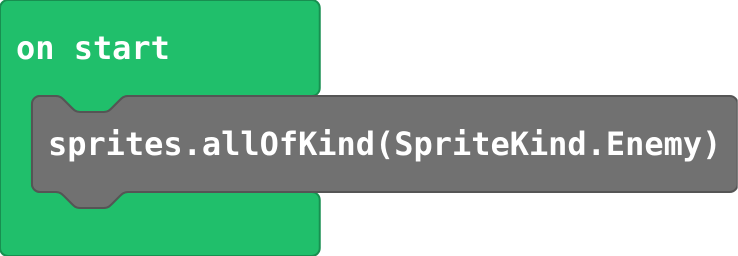
sprites.allOfKind(SpriteKind.Enemy)
A list of every sprite of a kind in the game right now. Sprites.
id: array-of-sprites-of-kind
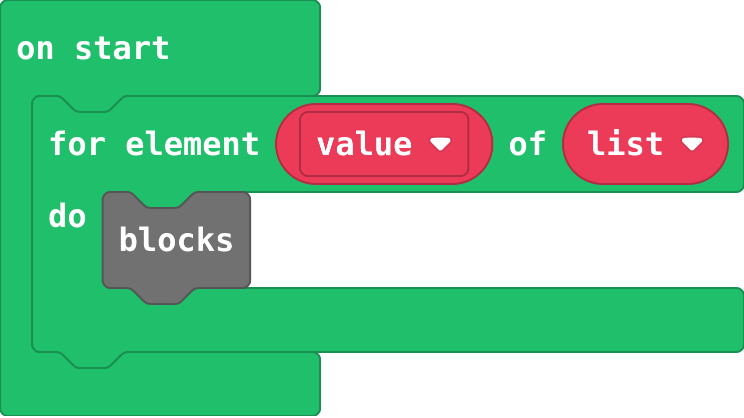
for (let value of list) {
    blocks
}
Runs its blocks once for each item in the list, with value as that item. Loops.
id: for-element-of-list
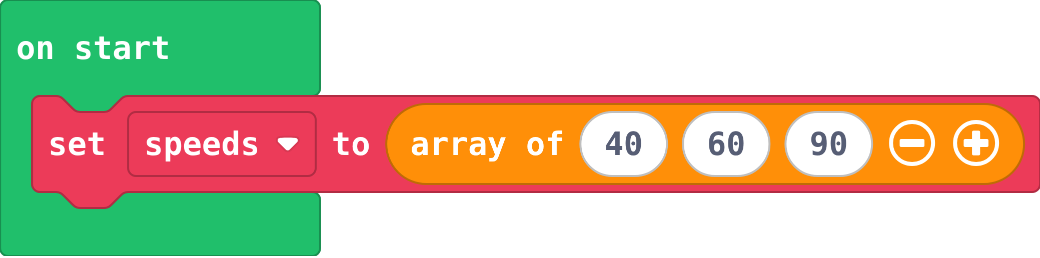
let speeds = [40, 60, 90]
Many values in order under one name. Places start at 0. Arrays.
id: list
speeds[0]
The item at a place in the list, counted from 0. Arrays.

id: get-value-at
function spawnEnemy () {
    blocks
}
Names a group of blocks. They run only when you call the function. Functions › Make a Function.

id: function
function spawnEnemy (speed: number) {
    blocks
}
A parameter is a value the caller hands in, so one function can do the job differently each time. Click + on the function block.

id: function-with-a-parameter
Gravity, jumping and levels
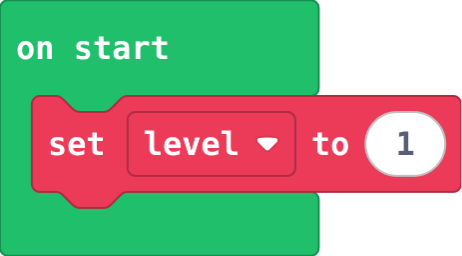
let level = 1
Puts a value in a variable, throwing the old value away. Make the variable in Variables first.
id: set-variable
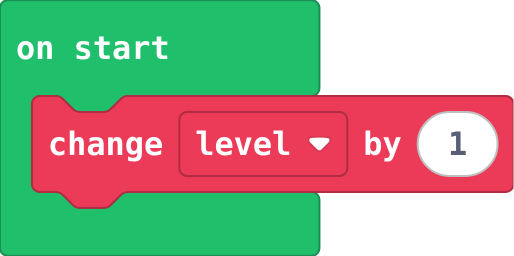
level += 1
Adds to a variable. Change by -1 counts down. Variables.
id: change-variable
mySprite.ay = 300
Acceleration down: the sprite falls faster and faster, like gravity. Sprites; choose ay in the dropdown.

id: set-ay
mySprite.vy = -150
A jump is a speed upwards (negative vy); gravity slows it and brings the sprite back down.

id: jump
controller.A.onEvent(ControllerButtonEvent.Pressed, function () {
    if (player.bottom >= 100) {
        player.vy = -150
    }
})
The jump goes inside an if that asks whether the player is on the floor, so it only works from the ground.

id: jump-from-ground
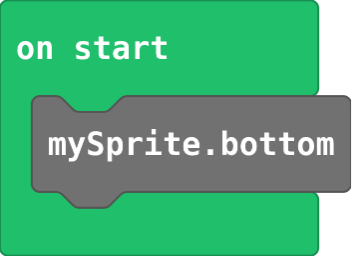
mySprite.bottom
The y of the bottom edge of a sprite. Sprites; choose bottom in the x dropdown.
id: sprite-bottom
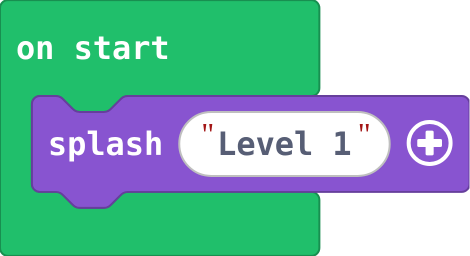
game.splash("Level 1")
Shows a message and waits for A. Game.
id: splash
if (info.score() >= goal) {
    level += 1
    goal += 5
    game.splash("Level " + level)
}
Goes in the event where the score changes, not in on game update. goal moves up, so the next level is further away.

id: level-up
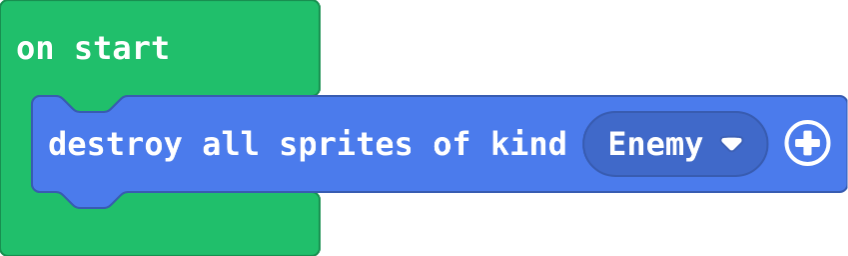
sprites.destroyAllSpritesOfKind(SpriteKind.Enemy)
Removes every sprite of a kind at once. Sprites.
id: destroy-all-of-kind
Power-ups and challenge
rock.setFlag(SpriteFlag.AutoDestroy, true)
The sprite is removed once it leaves the screen, so old ones do not pile up. Sprites › set flag.

id: auto-destroy
let shield = false
A variable can hold true or false, to remember what is happening now. Logic.

id: true-or-false
if (ammo > 0) {
    blocks
    ammo += -1
}
Check there is some left first, then use one up, so the count never goes below zero.

id: count-down
info.onLifeZero(function () {
    blocks
})
Runs when the lives reach 0, instead of the usual game over. Info.

id: on-life-zero
info.highScore()
The best score so far in this browser. The game over screen shows it by itself. Info.

id: high-score