set velocity
How far the sprite moves every frame, across and down. It keeps moving until something changes it. Sprites.
mySprite.setVelocity(50, 0)
Arcade advanced skills · Find each block in the MakeCode toolbox (the category is at the end of each line).
How far the sprite moves every frame, across and down. It keeps moving until something changes it. Sprites.
mySprite.setVelocity(50, 0)Many values in order under one name. Places start at 0. Arrays.
let speeds = [40, 60, 90]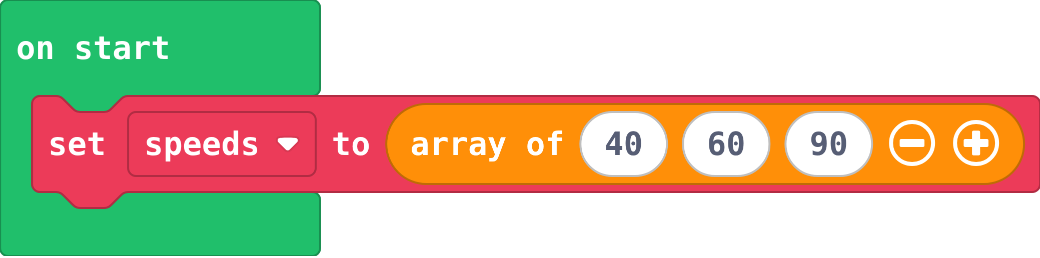
The item at a place in the list, counted from 0. Arrays.
speeds[0]
Adds to a variable. Change by -1 counts down. Variables.
level += 1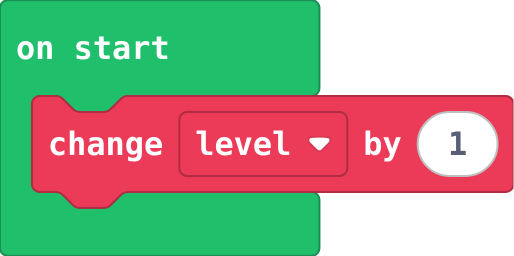
Goes in the event where the score changes, not in on game update. goal moves up, so the next level is further away.
if (info.score() >= goal) {
    level += 1
    goal += 5
    game.splash("Level " + level)
}
Ends the game: true is a win, false is a loss. Game.
game.gameOver(false)
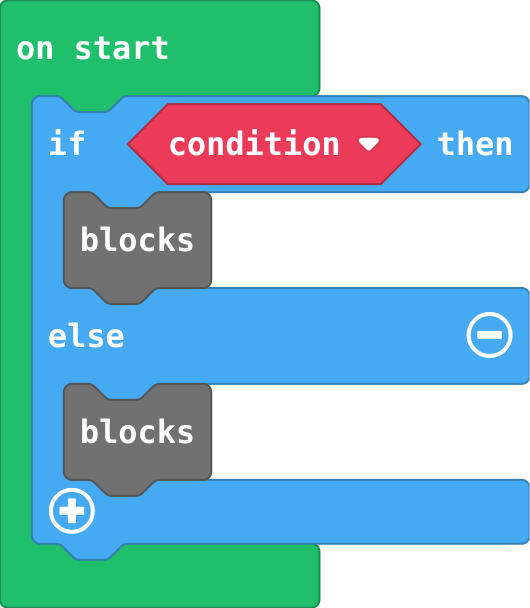
Exactly one part runs: the first when the condition is true, else the second. Click + on an if block.
if (condition) {
    blocks
} else {
    blocks
}
Puts a value in a variable, throwing the old value away. Make the variable in Variables first.
let level = 1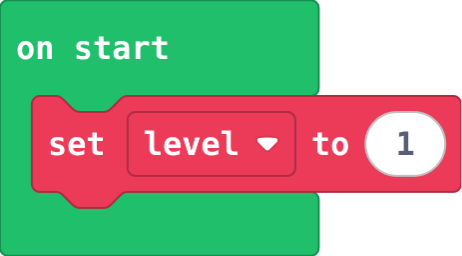
Shows a message and waits for A. Game.
game.splash("Level 1")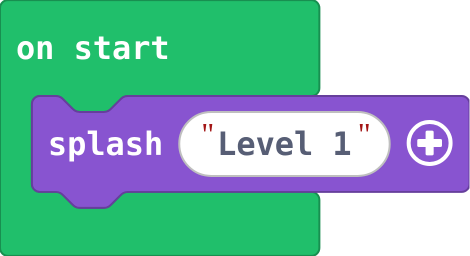
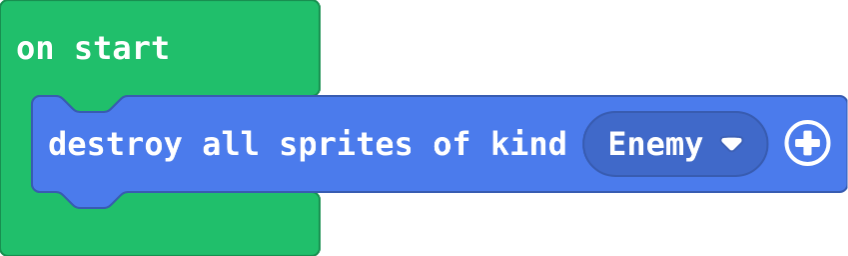
Removes every sprite of a kind at once. Sprites.
sprites.destroyAllSpritesOfKind(SpriteKind.Enemy)