forward
Move the turtle forward. The number is how many steps.
forward(100)
Python functions and events · In any playground, open Reference to copy these.
Move the turtle forward. The number is how many steps.
forward(100)Turn clockwise by this many degrees.
right(90)forward(60)
right(90)
forward(60)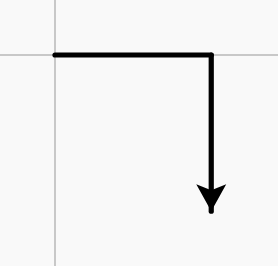
Jump to a position. (0, 0) is the centre; x goes right, y goes up.
goto(0, 0)goto(80, 60)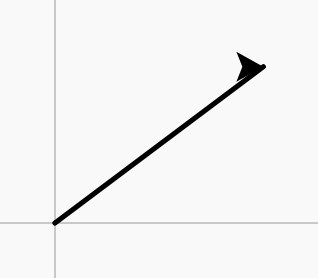
Put the pen down so moving draws again.
pendown()forward(40)
penup()
forward(40)
pendown()
forward(40)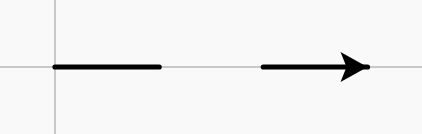
Set the line colour, using a colour name.
pencolor("red")pencolor("red")
forward(100)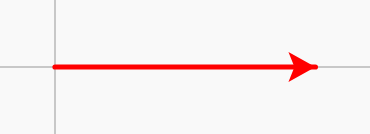
Everything drawn between these two lines is filled in.
begin_fill()

end_fill()fillcolor("orange")
begin_fill()
for i in range(4):
forward(60)
right(90)
end_fill()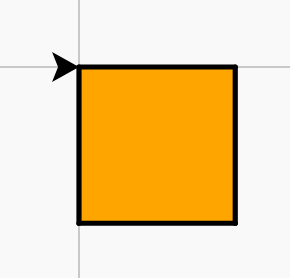
Draw a square by repeating forward and right four times.
for i in range(4):
    forward(100)
    right(90)
Do one thing or the other, depending on a condition.
if x > 0:
    pass
else:
passfor x in [-90, -30, 30, 90]:
penup()
goto(x, 0)
if x > 0:
dot(30, "red")
else:
dot(30, "blue")
hideturtle()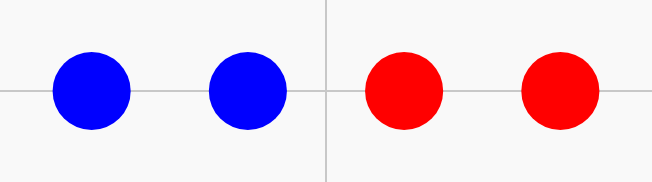
Give a value a name, so you can reuse and change it.
size = 50length = 120
forward(length)
left(90)
forward(length / 2)
Change a value every pass: read the old one, store a new one.
size = 5
for i in range(20):
    forward(size)
    right(90)
size = size + 5size = 5
for i in range(30):
forward(size)
right(90)
size = size + 5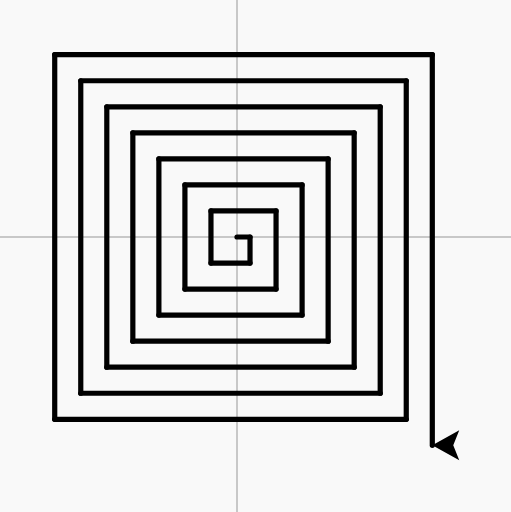
Move the turtle backward without turning.
backward(100)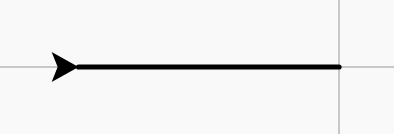
Turn anticlockwise by this many degrees.
left(90)forward(60)
left(90)
forward(60)
Lift the pen so moving does not draw.
penup()forward(40)
penup()
forward(40)
pendown()
forward(40)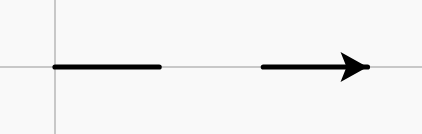
Set how thick the line is.
pensize(5)pensize(1)
forward(50)
pensize(8)
forward(50)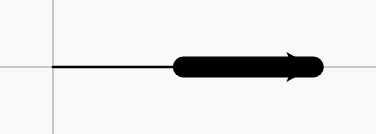
Choose the colour to fill shapes with.
fillcolor("blue")fillcolor("blue")
begin_fill()
circle(40)
end_fill()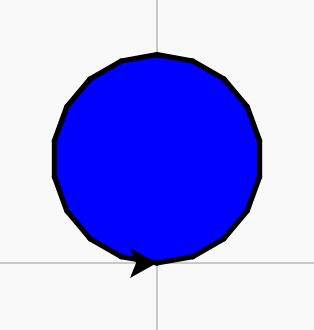
How fast the turtle moves, from 1 (slow) to 10 (fast).
speed(10)Draw a circle with this radius.
circle(50)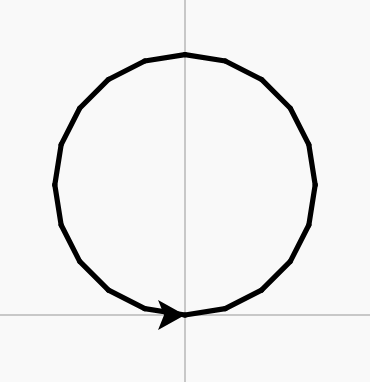
Repeat the indented lines this many times.
for i in range(4):
passfor i in range(5):
forward(15)
penup()
forward(10)
pendown()
i % 2 == 0 is true on every second pass.
for i in range(8):
    if i % 2 == 0:
        pass
    else:
passfor i in range(8):
if i % 2 == 0:
pencolor("red")
else:
pencolor("blue")
pensize(6)
forward(30)
right(45)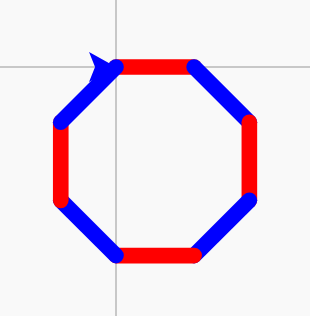
Use the counter i to make each pass different.
for i in range(20):
    forward(i * 5)
right(90)for i in range(30):
forward(i * 5)
right(90)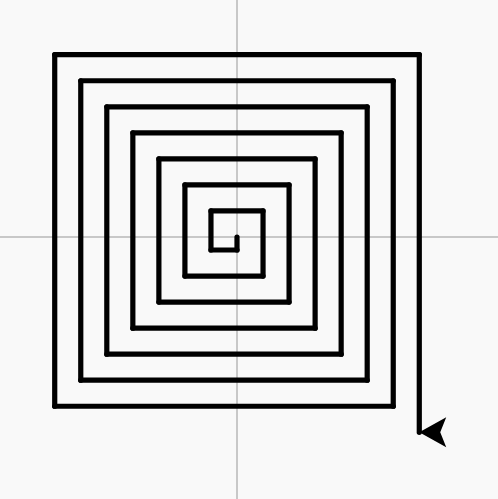
Keep many values in order under one name. The first item is place 0.
colours = ["red", "blue", "green"]