<h2> subheading
A smaller heading for a section.
<h2>Subheading</h2>Example
<h1>Robotics Club</h1>
<h2>This term</h2>
Structure and style a page · In any playground, open Reference to copy these.
A smaller heading for a section.
<h2>Subheading</h2><h1>Robotics Club</h1>
<h2>This term</h2>Where CSS lives. Each rule is: selector { property: value; }
<style>
  h1 {
    color: red;
  }
</style><style>
h2 {
color: purple;
}
</style>
<h2>Purple heading</h2>
<p>Normal text</p>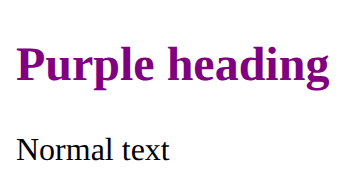
The text colour.
color: red;<style>
em {
color: crimson;
}
</style>
<p>A <em>red</em> word</p>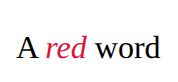
Headings are the page's outline: one h1, then h2 for each part, h3 inside those. Never pick a level for its size; set the size with CSS.
<h1>Page title</h1>
<h2>A part of the page</h2>
<h3>A part of that part</h3>A paragraph of text.
<p>Some text</p><p>We meet on Tuesdays.</p>
<p>Everyone is welcome.</p>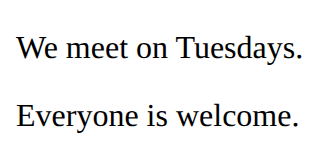
Emphasise text (usually italic).
<em>emphasis</em><p>Do <em>not</em> run inside.</p>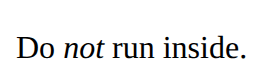
Style every element matching the selector.
p {
  color: blue;
}<style>
li {
color: teal;
}
</style>
<ul>
<li>One</li>
<li>Two</li>
</ul>
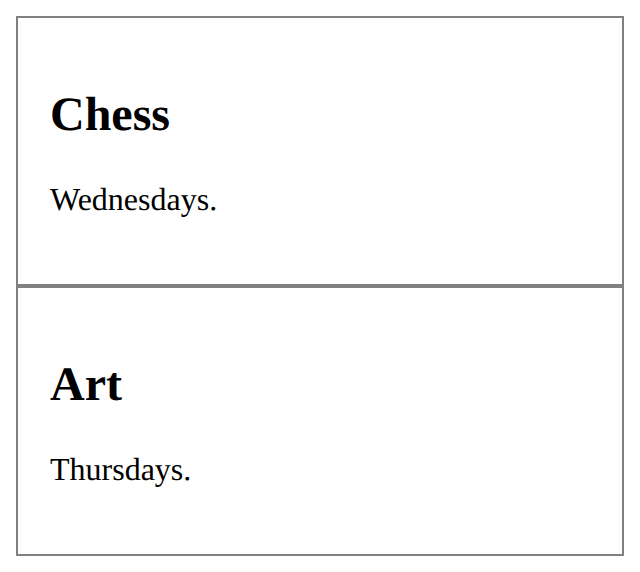
A chunk of HTML with a class. Copy the section for each card; one rule styles every copy.
<style>
  .card {
    padding: 16px;
    border: 1px solid gray;
  }
</style>
<section class="card">
  <h2>Title</h2>
  <p>Some text.</p>
</section><style>
.card {
padding: 16px;
border: 1px solid gray;
}
</style>
<section class="card">
<h2>Chess</h2>
<p>Wednesdays.</p>
</section>
<section class="card">
<h2>Art</h2>
<p>Thursdays.</p>
</section>