def init
Runs once, when the game starts. Give your variables their first values here. The engine calls it: you never do.
def init():
    global x
x = 0Games with microStudio · In any playground, open Reference to copy these.
Runs once, when the game starts. Give your variables their first values here. The engine calls it: you never do.
def init():
global x
x = 0Runs after each update. Clear the screen, then draw everything where it is now. Change nothing here.
def draw():
    screen.clear("black")
screen.fillRound(x, 0, 10, 10, "yellow")x = -80
def update():
global x
x += 1
def draw():
screen.clear("rgb(10,10,40)")
screen.fillRound(x, 0, 16, 16, "rgb(255,210,0)")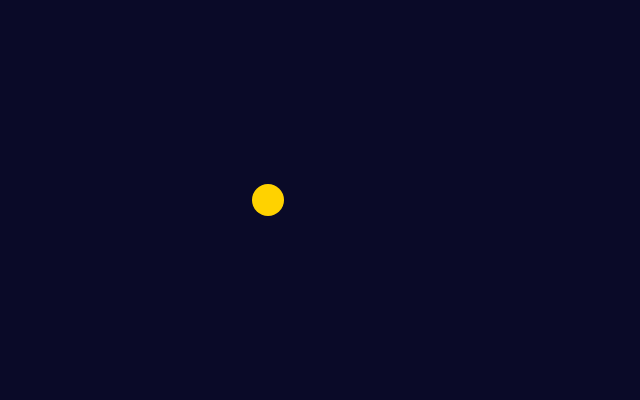
A colour is text: a name, rgb(red, green, blue) with numbers from 0 to 255, or a hex code.
"red" "rgb(255,210,0)" "#40a0ff"def draw():
screen.clear("rgb(10,10,40)")
screen.fillRound(-60, 0, 40, 40, "red")
screen.fillRound(0, 0, 40, 40, "rgb(255,210,0)")
screen.fillRound(60, 0, 40, 40, "#40a0ff")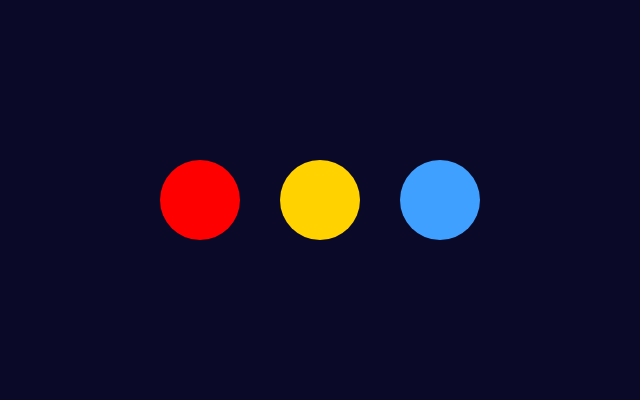
After moving, put the player back if it has gone past an edge. The top is y = 100 and the bottom is y = -100.
if px < -150:
px = -150Runs 60 times a second. Move things, check keys and keep score here. A variable it changes needs a global line.
def update():
    global x
x += 1The first line inside a function that changes a variable made outside it. Without it, Python stops with "cannot access local variable".
global scoreFills the whole screen with one colour. Put it first in draw(), or the last frame stays on the screen.
screen.clear("rgb(10,10,40)")def draw():
screen.clear("rgb(30,90,160)")
Copy this helper into your game once. pressed("LEFT") is True while the key is held. Key names: LEFT, RIGHT, UP, DOWN, SPACE, A to Z.
def pressed(key):
return hasattr(keyboard, key) and keyboard[key] != 0Inside update(): a held key moves the player a little every frame, so it glides.
if pressed("LEFT"):
    px -= 2
if pressed("RIGHT"):
px += 2Where the mouse is, in the same coordinates as drawing. mouse.pressed is 1 while the button is held, else 0.
mouse.x mouse.y mouse.pressedPlays notes from text. Put it where something happens in update(), once, not in draw(). Try "duration 100 C E G" or "saw C2".
audio.beep("C E G")In update(), tell every object to move; in draw(), tell every object to draw. The loop stays short however many there are.
for star in stars:
star.move()A whole number picked at random from the first to the second, both included. import random goes at the top of the game.
import random

random.randint(-90, 90)True when this object is close to (x, y) in both directions: abs() is the distance, whichever side it is on.
def touches(self, x, y):
return abs(self.x - x) < 12 and abs(self.y - y) < 8Each object keeps its own x and y in self, moves itself and draws itself.
class Star:
    def __init__(self, x):
        self.x = x
        self.y = 100

    def move(self):
        self.y -= 1

    def draw(self):
screen.fillRound(self.x, self.y, 8, 8, "yellow")class Star:
def __init__(self, x):
self.x = x
self.y = 60
def draw(self):
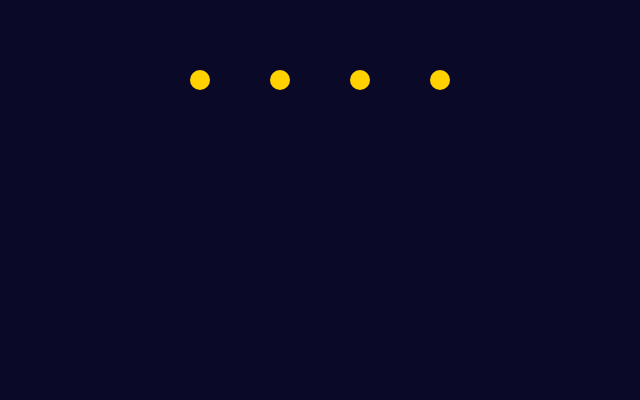
screen.fillRound(self.x, self.y, 10, 10, "rgb(255,210,0)")
stars = []
for i in range(4):
stars.append(Star(-60 + i * 40))
def draw():
screen.clear("rgb(10,10,40)")
for star in stars:
star.draw()