createCanvas
Makes the drawing area: width, then height, in pixels. Put it first in setup(). (0, 0) is the top left and y counts down.
createCanvas(400, 300);Drawing and animation with p5.js · In any playground, open Reference to copy these.
Makes the drawing area: width, then height, in pixels. Put it first in setup(). (0, 0) is the top left and y counts down.
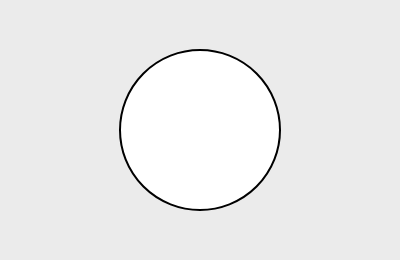
createCanvas(400, 300);Draws a circle: x and y of its middle, then its width.
circle(200, 150, 80);function setup() {
createCanvas(200, 130);
background(235);
circle(100, 65, 80);
}
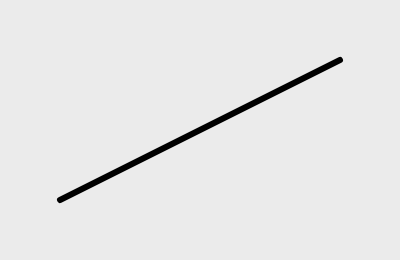
Draws a line from one point to another: x1, y1, x2, y2.
line(20, 20, 180, 100);function setup() {
createCanvas(200, 130);
background(235);
strokeWeight(3);
line(30, 100, 170, 30);
}
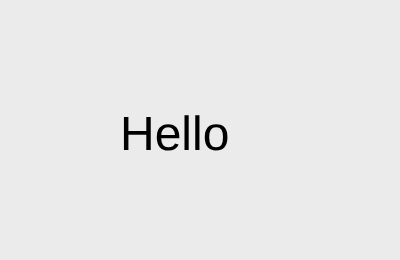
Writes words on the canvas at x, y. Join a number on with +: "Score: " + score.
text("Hello", 20, 30);function setup() {
createCanvas(200, 130);
background(235);
textSize(24);
text("Hello", 60, 75);
}
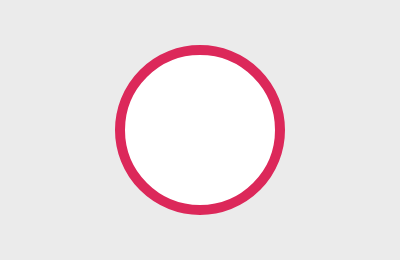
Sets the colour of outlines drawn after it.
stroke(0);function setup() {
createCanvas(200, 130);
background(235);
strokeWeight(5);
stroke(220, 40, 90);
circle(100, 65, 80);
}
Runs once, when the sketch starts. Make the canvas and set things up here.
function setup() {
  createCanvas(400, 300);
}Runs again and again, about 60 times a second. Clear the canvas, then draw things where they are now.
function draw() {
  background(220);
}Moves the value on a little: x goes up by 2 each time this runs.
x = x + 2;Does the code in the braces only when the condition is true. Compare with <, >, ===.
if (x > 300) {
  x = 0;
}&& means both must be true; || means either one.
if (x > 50 && x < 150) {
  ...
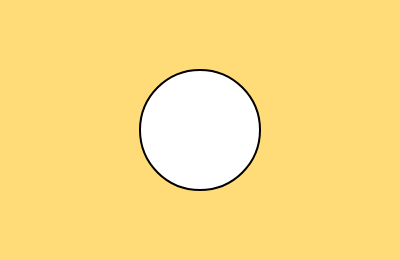
}Fills the whole canvas with a colour. One number is grey (0 black, 255 white); three are red, green, blue.
background(220);function setup() {
createCanvas(200, 130);
background(235);
background(255, 220, 120);
circle(100, 65, 60);
}
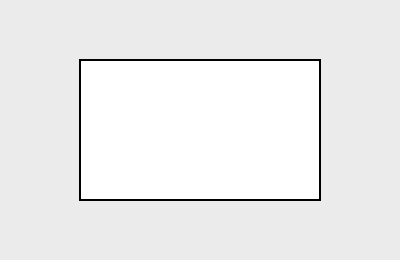
Draws a rectangle: x and y of its top-left corner, then width and height.
rect(50, 40, 100, 60);function setup() {
createCanvas(200, 130);
background(235);
rect(40, 30, 120, 70);
}
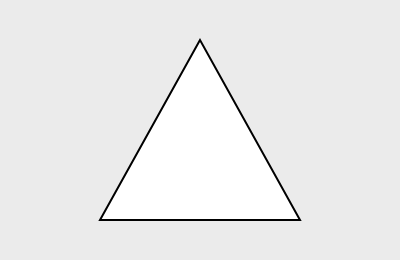
Draws a triangle from its three corners: x1, y1, x2, y2, x3, y3.
triangle(100, 20, 60, 100, 140, 100);function setup() {
createCanvas(200, 130);
background(235);
triangle(100, 20, 50, 110, 150, 110);
}
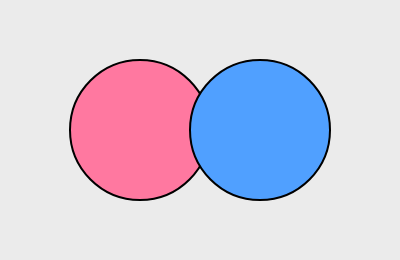
Sets the colour of shapes drawn after it (red, green, blue, each 0 to 255). It does not change shapes already drawn.
fill(255, 120, 160);function setup() {
createCanvas(200, 130);
background(235);
fill(255, 120, 160);
circle(70, 65, 70);
fill(80, 160, 255);
circle(130, 65, 70);
}
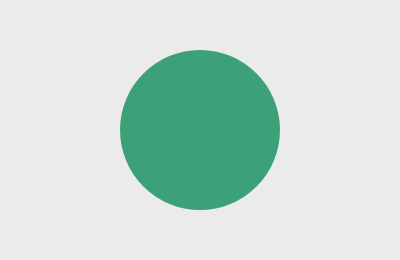
Draws shapes with no outline.
noStroke();function setup() {
createCanvas(200, 130);
background(235);
noStroke();
fill(60, 160, 120);
circle(100, 65, 80);
}
Makes a variable. Put it above setup() to keep its value between frames.
let x = 0;Where the mouse is on the canvas, updated every frame.
mouseX, mouseYChooses between two things.
if (x > 150) {
  fill(255, 0, 0);
} else {
  fill(0, 0, 255);
}