show icon
Shows a ready-made picture. Basic › show icon; click the picture to choose another.
basic.showIcon(IconNames.Heart)
micro:bit Foundations · Find each block in the MakeCode toolbox (the category is at the end of each line).
Shows a ready-made picture. Basic › show icon; click the picture to choose another.
basic.showIcon(IconNames.Heart)Scrolls a word or message across the screen. Basic › show string.
basic.showString("Hello")
Shows an arrow pointing a direction. Basic › more › show arrow.
basic.showArrow(ArrowNames.West)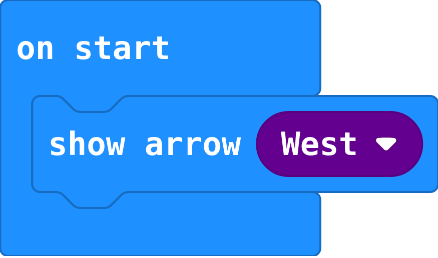
Waits before the next block. 1000 ms is one second. Basic › pause.
basic.pause(500)
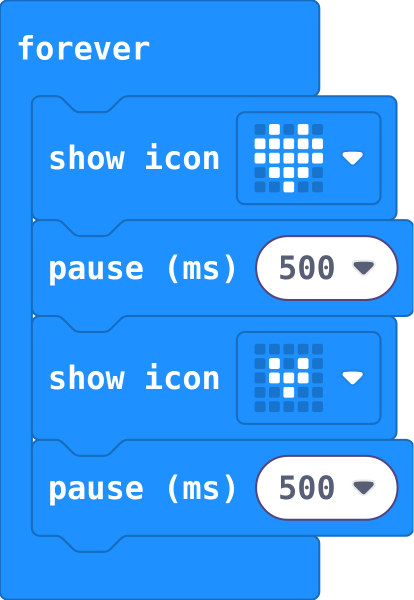
Pictures inside forever repeat, in order. Each pause holds the picture before it.
basic.forever(function () {
    basic.showIcon(IconNames.Heart)
    basic.pause(500)
    basic.showIcon(IconNames.SmallHeart)
    basic.pause(500)
})
Draw your own picture: click squares to light them (# is on). Basic › show leds.
basic.showLeds(`
    . # . # .
    # # # # #
    # # # # #
    . # # # .
    . . # . .
    `)
Shows a number; numbers above 9 scroll. Basic › show number.
basic.showNumber(0)
Turns every LED off. Basic › more › clear screen.
basic.clearScreen()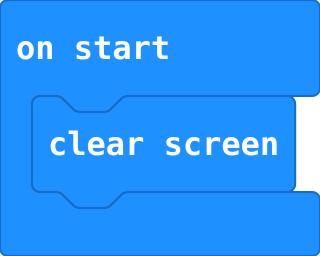
Runs the blocks inside again and again. Blocks in on start run only once.
basic.forever(function () {
    blocks
})
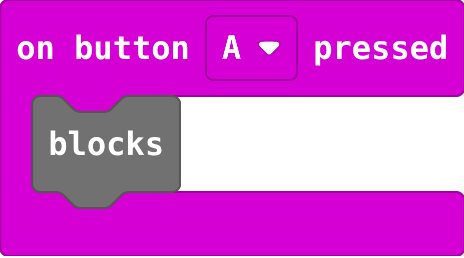
Runs the blocks inside every time the button is pressed. Choose A, B or A+B. Input.
input.onButtonPressed(Button.A, function () {
    blocks
})
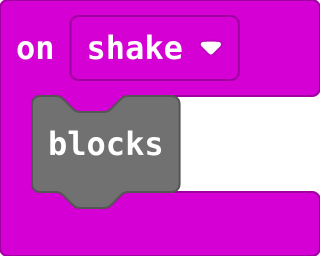
Runs the blocks inside every time the micro:bit is shaken (or tilted, if you choose another gesture). Input.
input.onGesture(Gesture.Shake, function () {
    blocks
})