set variable
Puts a value in a variable, throwing the old value away. Make the variable in Variables first.
let count = 0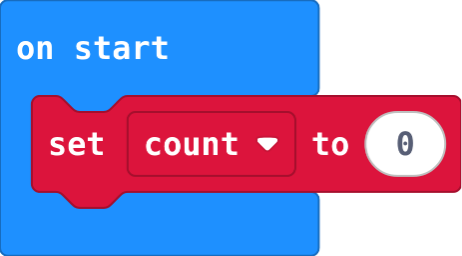
micro:bit Foundations · Find each block in the MakeCode toolbox (the category is at the end of each line).
Puts a value in a variable, throwing the old value away. Make the variable in Variables first.
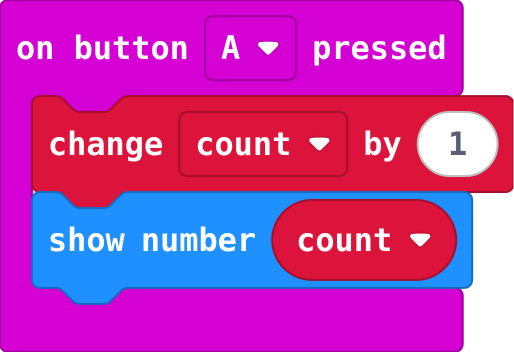
let count = 0Set the start value once, in on start. change adds to whatever the variable holds now.
let count = 0
input.onButtonPressed(Button.A, function () {
    count += 1
    basic.showNumber(count)
})
Lights more LEDs for a bigger value. The second number is the biggest value. Led.
led.plotBarGraph(value, 255)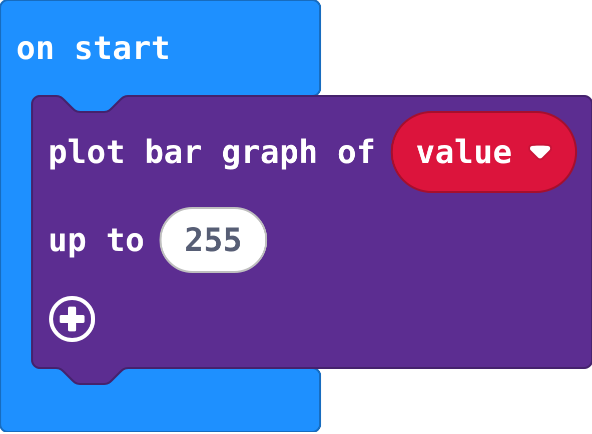
Adds to a variable's value. Change by -1 counts down. Variables.
count += 1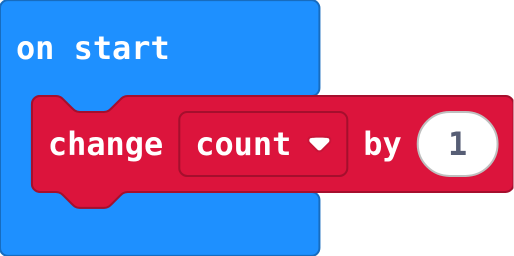
How bright it is: 0 (dark) to 255 (bright). Input.
input.lightLevel()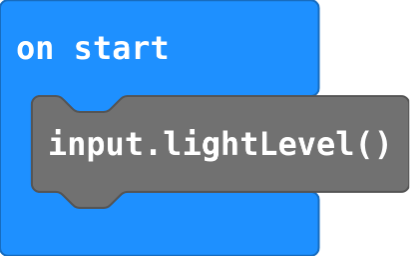
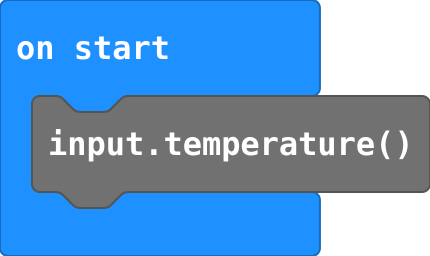
How warm it is, in degrees Celsius. Input.
input.temperature()