show icon
Shows a ready-made picture. Basic › show icon; click the picture to choose another.
basic.showIcon(IconNames.Heart)
micro:bit: talk and play · Find each block in the MakeCode toolbox (the category is at the end of each line).
Shows a ready-made picture. Basic › show icon; click the picture to choose another.
basic.showIcon(IconNames.Heart)Scrolls a word or message across the screen. Basic › show string.
basic.showString("Hello")
Waits before the next block. 1000 ms is one second. Basic › pause.
basic.pause(500)
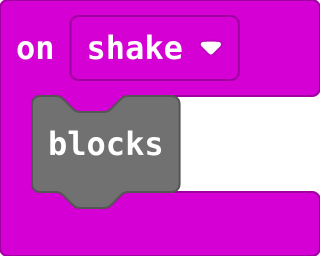
Runs the blocks inside every time the micro:bit is shaken (or tilted, if you choose another gesture). Input.
input.onGesture(Gesture.Shake, function () {
    blocks
})
The item at a place in the list, counted from 0. Arrays.
answers[0]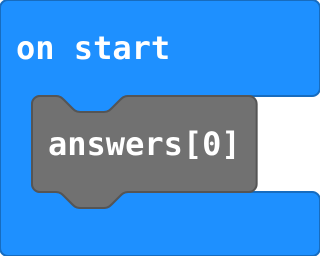
A named job. Making it does not run it: a call block runs it. Advanced › Functions.
function name () {
    blocks
}
Draw your own picture: click squares to light them (# is on). Basic › show leds.
basic.showLeds(`
    . # . # .
    # # # # #
    # # # # #
    . # # # .
    . . # . .
    `)
Turns every LED off. Basic › more › clear screen.
basic.clearScreen()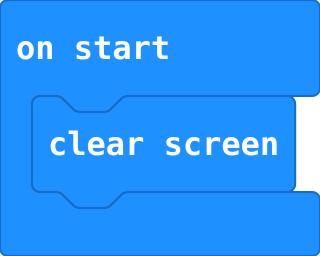
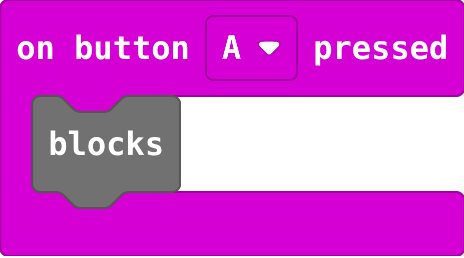
Runs the blocks inside every time the button is pressed. Choose A, B or A+B. Input.
input.onButtonPressed(Button.A, function () {
    blocks
})
Many values in order under one name. Places start at 0. Advanced › Arrays.
let answers = ["Yes", "No"]
A random whole number from the first to the second, both included. Math.
randint(0, 10)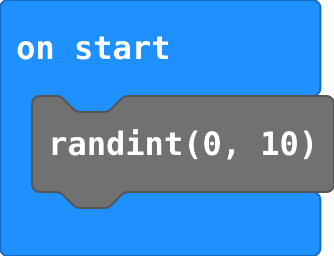
Send a place number; both micro:bits must hold the same list in the same order.
let words = ["Hi", "Yes", "No"]
radio.onReceivedNumber(function (receivedNumber) {
    basic.showString(words[receivedNumber])
})
Shows an arrow pointing a direction. Basic › more › show arrow.
basic.showArrow(ArrowNames.West)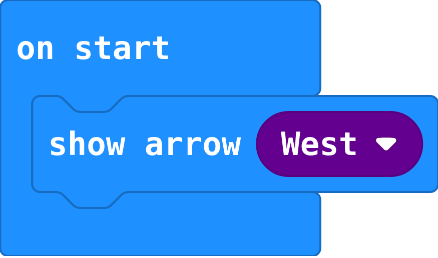
Adds to a variable's value. Change by -1 counts down. Variables.
count += 1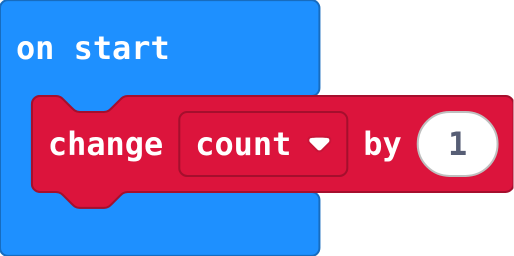
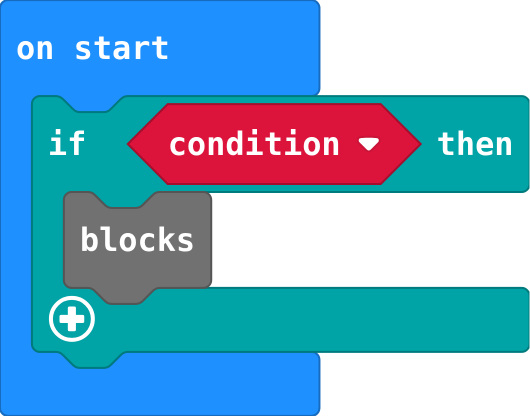
Runs the blocks inside only when the condition is true; does nothing when it is false. Logic.
if (condition) {
    blocks
}
Another question, asked only if the ones above were false. The first true one wins.
} else if (condition) {
Picks a channel (0 to 255). Only micro:bits in the same group hear each other. Radio.
radio.setGroup(1)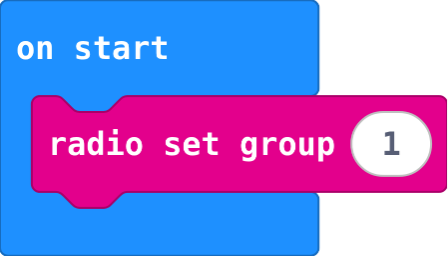
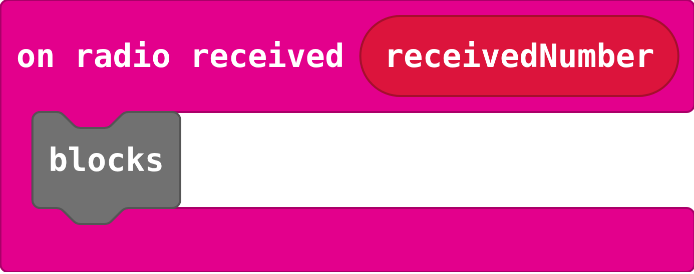
Runs each time a number arrives; receivedNumber holds it. Radio.
radio.onReceivedNumber(function (receivedNumber) {
    blocks
})
Sends a word to every other micro:bit in the group. Radio.
radio.sendString("hi")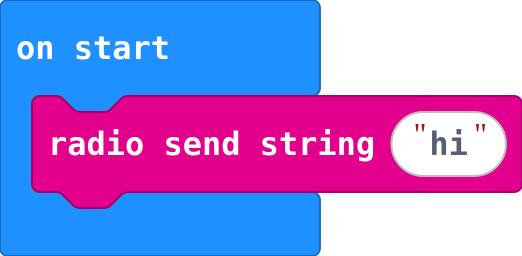
Runs each time a word arrives; receivedString holds it. Radio.
radio.onReceivedString(function (receivedString) {
    blocks
})
Puts a value in a variable, throwing the old value away. Make the variable in Variables first.
let count = 0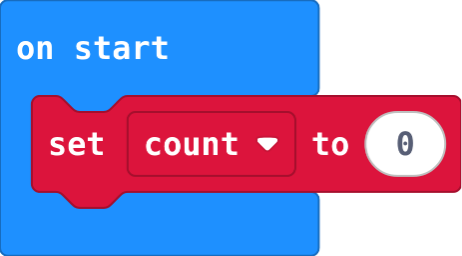
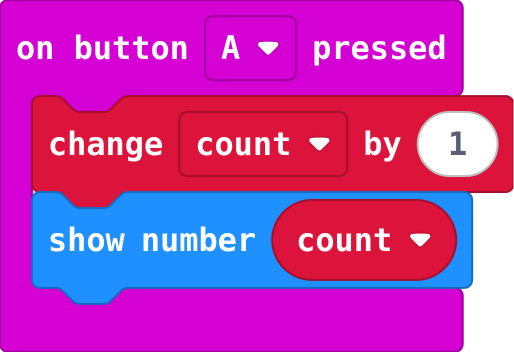
Set the start value once, in on start. change adds to whatever the variable holds now.
let count = 0
input.onButtonPressed(Button.A, function () {
    count += 1
    basic.showNumber(count)
})
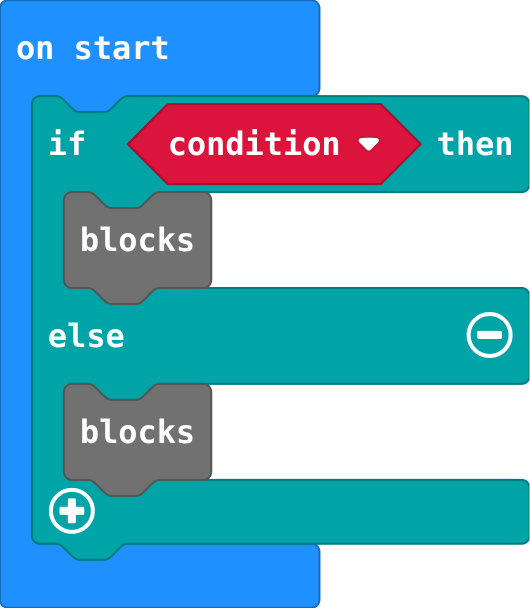
Exactly one part runs: the first when the condition is true, else the second. Click + on an if block.
if (condition) {
    blocks
} else {
    blocks
}
How many items are in the list. The last place is the length − 1. Arrays.
answers.length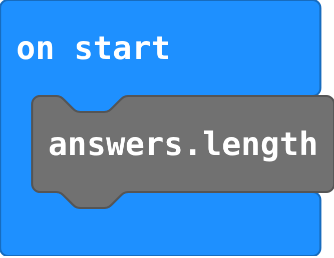
Sends a number to every other micro:bit in the group. Radio.
radio.sendNumber(0)
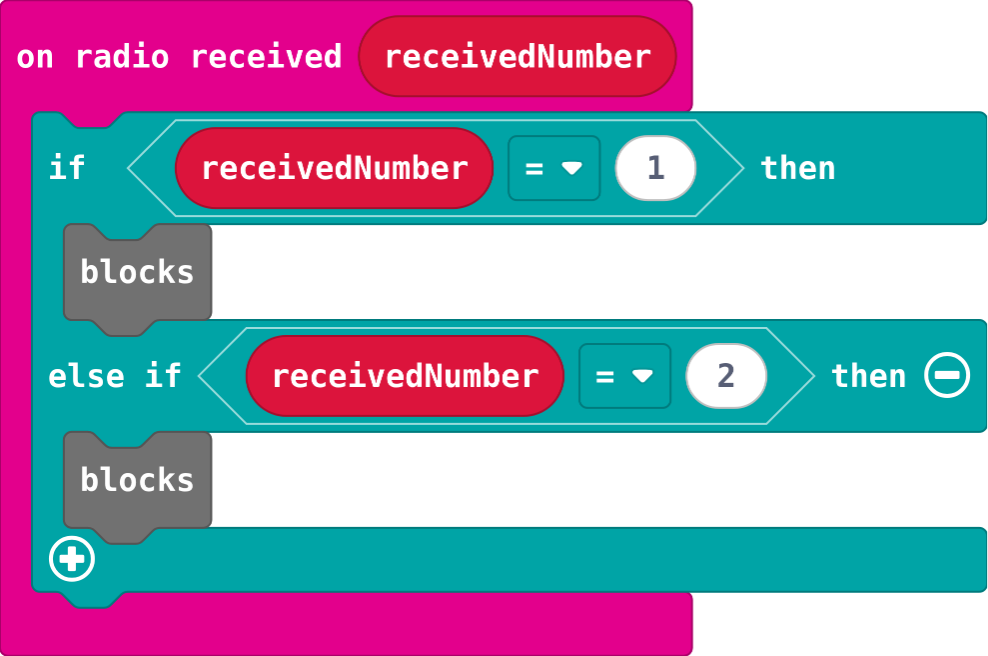
One on radio received gets every message; receivedNumber says which one arrived.
radio.onReceivedNumber(function (receivedNumber) {
    if (receivedNumber == 1) {
        blocks
    } else if (receivedNumber == 2) {
        blocks
    }
})
Shows a number; numbers above 9 scroll. Basic › show number.
basic.showNumber(0)
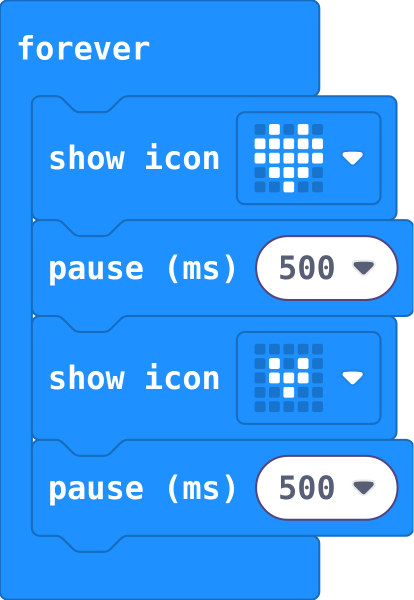
Pictures inside forever repeat, in order. Each pause holds the picture before it.
basic.forever(function () {
    basic.showIcon(IconNames.Heart)
    basic.pause(500)
    basic.showIcon(IconNames.SmallHeart)
    basic.pause(500)
})
A variable can hold true or false, to remember what is happening now. Logic.
waiting = true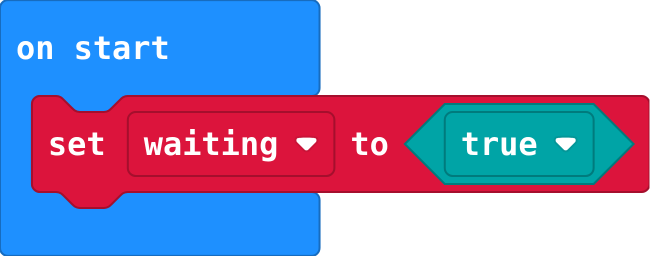
Runs the blocks inside again and again. Blocks in on start run only once.
basic.forever(function () {
    blocks
})
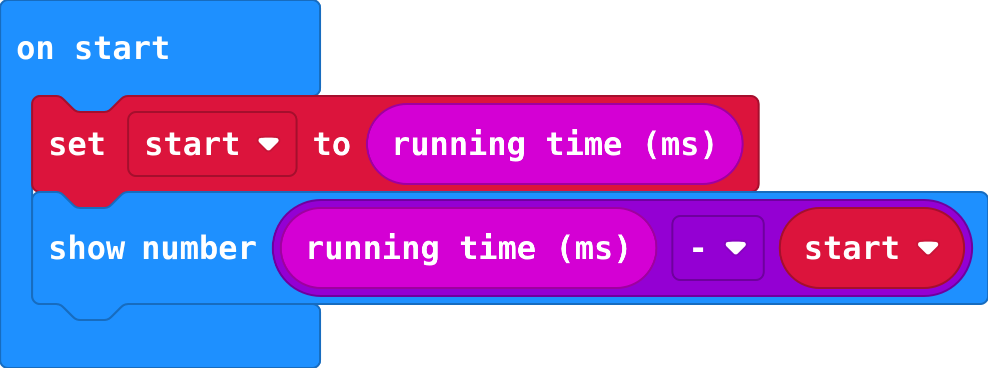
Milliseconds since the micro:bit switched on. Take one from a later one to time something. Input › more.
input.runningTime()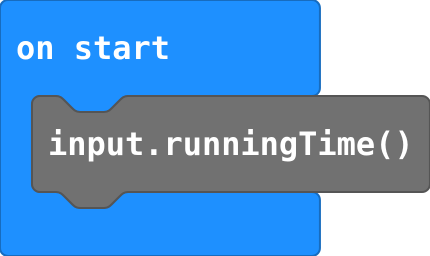
Store running time at the start; later, running time − start is how long it took (ms).
start = input.runningTime()
basic.showNumber(input.runningTime() - start)