robot start
Picks which robot you have. Put it first, in on start, before any other robot block. Robot › robot … start.
robot.elecfreaksCuteBot.start()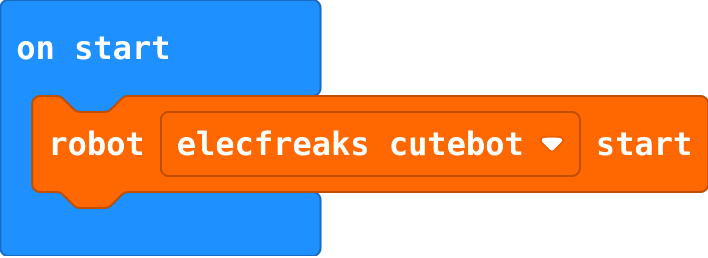
AI robots · Find each block in the MakeCode toolbox (the category is at the end of each line).
Picks which robot you have. Put it first, in on start, before any other robot block. Robot › robot … start.
robot.elecfreaksCuteBot.start()Stops both wheels. End every move and every program that should finish with it.
robot.motorStop()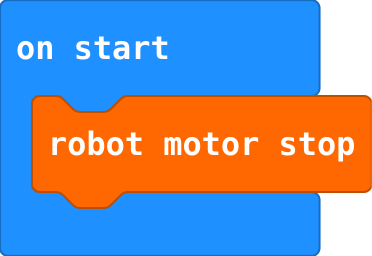
Plays a note on the robot's buzzer: a frequency (262 is middle C) for a time in milliseconds.
robot.playTone(262, 500)
Shows a ready-made picture. Basic › show icon; click the picture to choose another.
basic.showIcon(IconNames.Heart)
Shows an arrow pointing a direction. Basic › more › show arrow.
basic.showArrow(ArrowNames.West)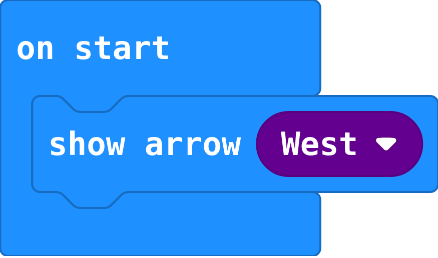
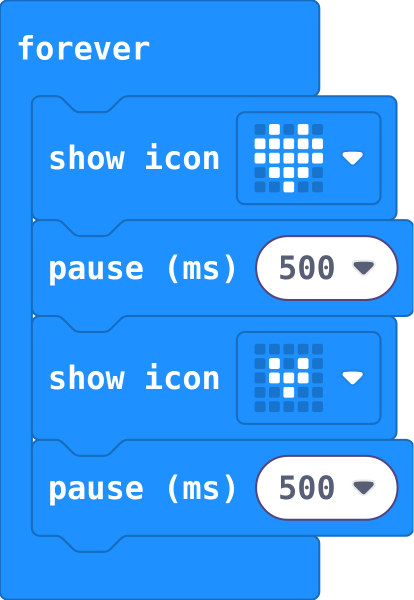
Pictures inside forever repeat, in order. Each pause holds the picture before it.
basic.forever(function () {
    basic.showIcon(IconNames.Heart)
    basic.pause(500)
    basic.showIcon(IconNames.SmallHeart)
    basic.pause(500)
})
Puts a value in a variable, throwing the old value away. Make the variable in Variables first.
let count = 0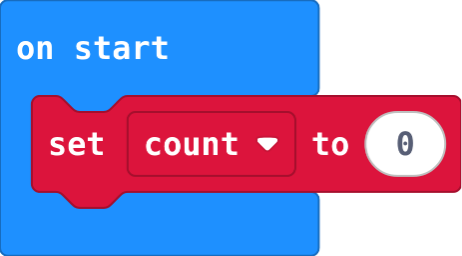
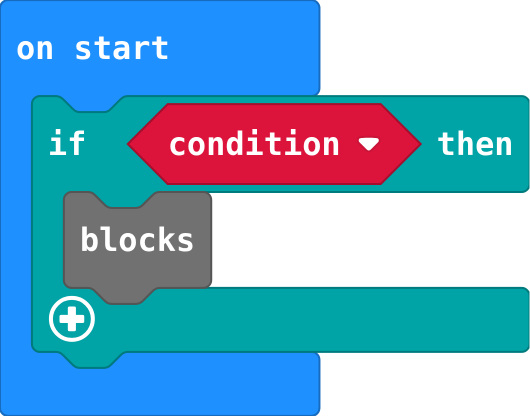
Runs the blocks inside only when the condition is true; does nothing when it is false. Logic.
if (condition) {
    blocks
}
Another question, asked only if the ones above were false. The first true one wins.
} else if (condition) {
Sends a word to every other micro:bit in the group. Radio.
radio.sendString("hi")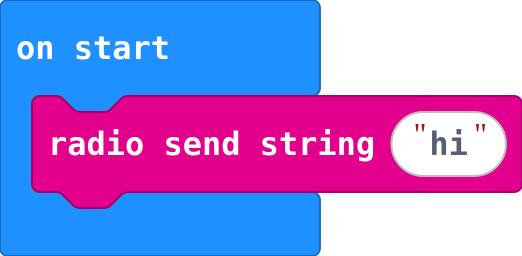
Milliseconds since the micro:bit switched on. Take one from a later one to time something. Input › more.
input.runningTime()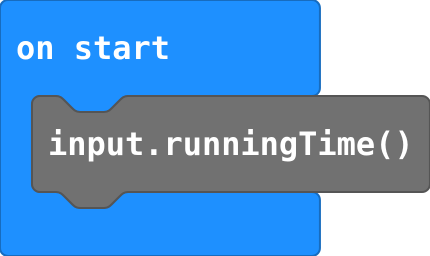
The letter at a place in a text. Places start at 0, as in a list. Text (char from … at).
message.charAt(0)
Sets the left and right wheel speeds, from −100 to 100. Same speeds go straight, opposite speeds spin, different speeds curve. The robot keeps going until another motor block.
robot.motorTank(50, 50)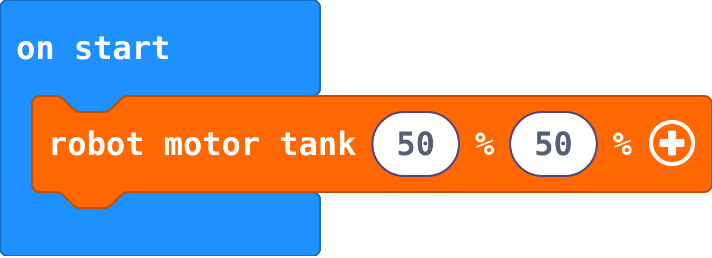
Sets the robot's lights to a colour. Click the colour to choose another; black turns them off.
robot.setColor(0xff0000)
Runs its blocks when you touch the gold logo on the front of the micro:bit (V2 only; on a V1, use on shake). Input › on logo pressed.
input.onLogoEvent(TouchButtonEvent.Pressed, function () {

})
Scrolls a word or message across the screen. Basic › show string.
basic.showString("Hello")
Runs the blocks inside again and again. Blocks in on start run only once.
basic.forever(function () {
    blocks
})
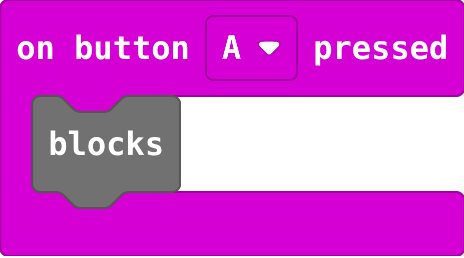
Runs the blocks inside every time the button is pressed. Choose A, B or A+B. Input.
input.onButtonPressed(Button.A, function () {
    blocks
})
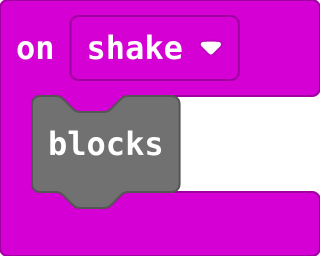
Runs the blocks inside every time the micro:bit is shaken (or tilted, if you choose another gesture). Input.
input.onGesture(Gesture.Shake, function () {
    blocks
})
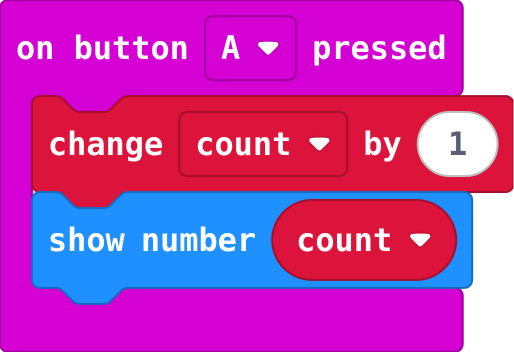
Set the start value once, in on start. change adds to whatever the variable holds now.
let count = 0
input.onButtonPressed(Button.A, function () {
    count += 1
    basic.showNumber(count)
})
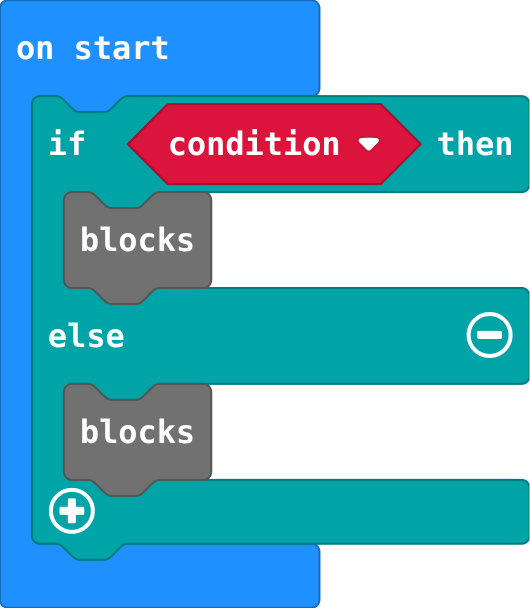
Exactly one part runs: the first when the condition is true, else the second. Click + on an if block.
if (condition) {
    blocks
} else {
    blocks
}
Picks a channel (0 to 255). Only micro:bits in the same group hear each other. Radio.
radio.setGroup(1)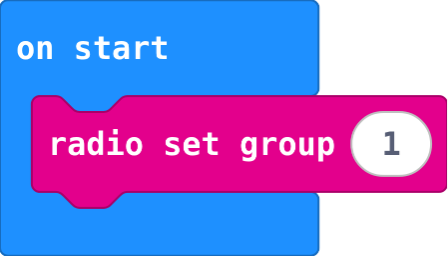
Runs each time a word arrives; receivedString holds it. Radio.
radio.onReceivedString(function (receivedString) {
    blocks
})
Store running time at the start; later, running time − start is how long it took (ms).
start = input.runningTime()
basic.showNumber(input.runningTime() - start)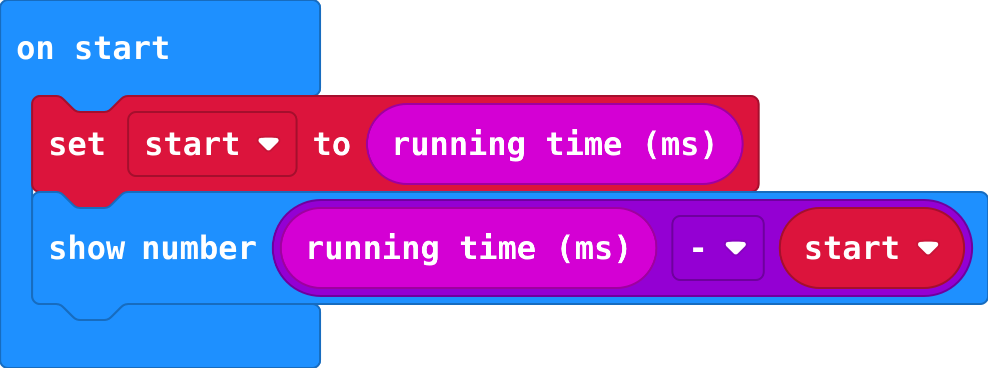
Adds to a variable's value. Change by -1 counts down. Variables.
count += 1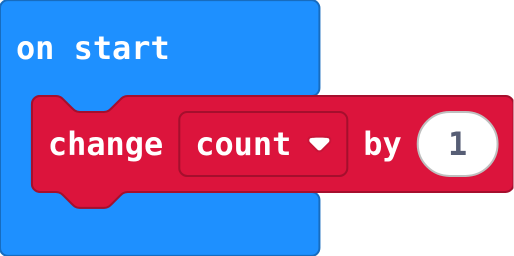
How far away the nearest thing in front is, in centimetres (up to 40; 40 means nothing in range). Read it again in forever to follow it.
robot.obstacleDistance()
A variable can hold true or false, to remember what is happening now. Logic.
waiting = true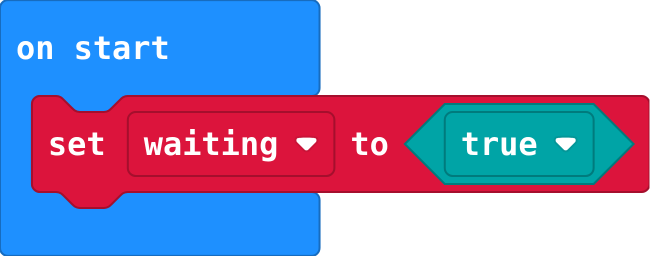
Shows a number; numbers above 9 scroll. Basic › show number.
basic.showNumber(0)
Waits before the next block. 1000 ms is one second. Basic › pause.
basic.pause(500)
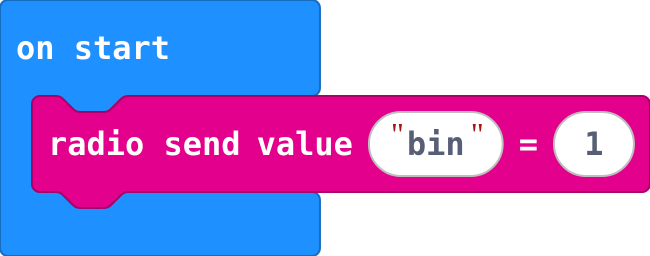
Sends a name and a number by radio, such as bin and 1. Radio.
radio.sendValue("bin", 1)