goto
Jump to a position. (0, 0) is the centre; x goes right, y goes up.
goto(0, 0)Example
goto(80, 60)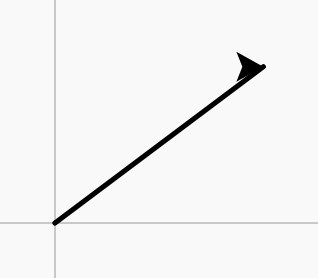
Python Foundations with Turtle · In any playground, open Reference to copy these.
Jump to a position. (0, 0) is the centre; x goes right, y goes up.
goto(0, 0)goto(80, 60)Set the line colour, using a colour name.
pencolor("red")pencolor("red")
forward(100)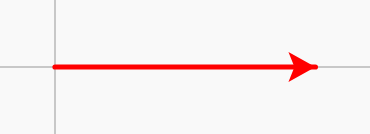
Everything drawn between these two lines is filled in.
begin_fill()

end_fill()fillcolor("orange")
begin_fill()
for i in range(4):
forward(60)
right(90)
end_fill()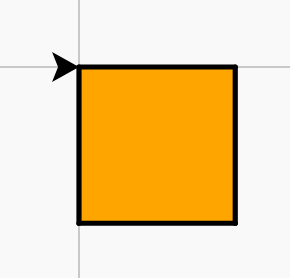
Keep many values in order under one name. The first item is place 0.
colours = ["red", "blue", "green"]Work through a list, one item at a time.
for c in colours:
passpensize(6)
for c in ["red", "blue", "green"]:
pencolor(c)
forward(40)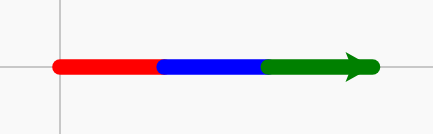
Set how thick the line is.
pensize(5)pensize(1)
forward(50)
pensize(8)
forward(50)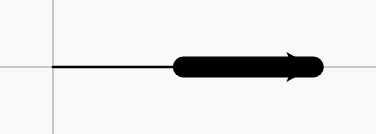
Choose the colour to fill shapes with.
fillcolor("blue")fillcolor("blue")
begin_fill()
circle(40)
end_fill()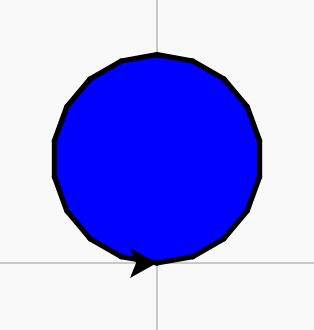
Do one thing or the other, depending on a condition.
if x > 0:
    pass
else:
passfor x in [-90, -30, 30, 90]:
penup()
goto(x, 0)
if x > 0:
dot(30, "red")
else:
dot(30, "blue")
hideturtle()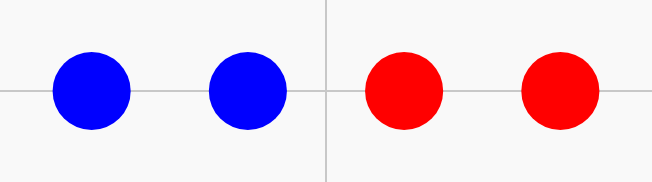
True if the item is in the list (or the key is in the dictionary, or the letters are in the text).
if item in bag:
    pass